
Laptop Keys Not Working? Fix Them Step by Step
How to Fix Laptop Keys Not Working
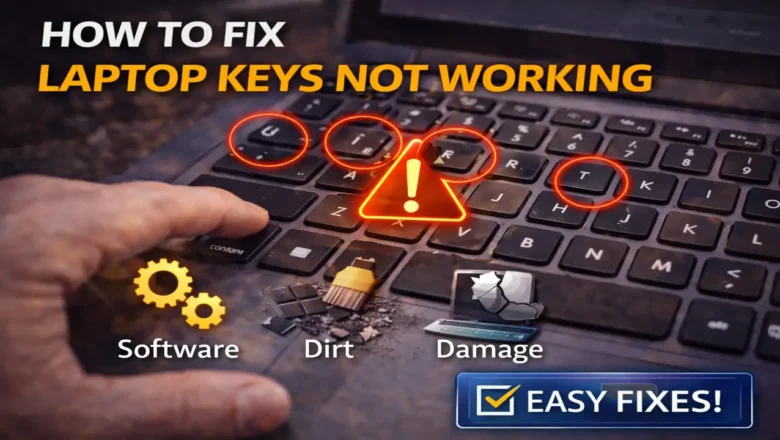
If you are dealing with laptop keys not working, the cause is usually either a software setting, a driver problem, or dirt and damage under the key mechanism. Sometimes only a few keys stop responding. In other cases, an entire row or group of keys may fail at once. The right fix depends on which type of failure you have.
The good news is that most cases of laptop keys not working can be narrowed down quickly. You usually do not need to open the laptop immediately. Start with the software checks first, then move to cleaning and physical inspection only if the problem remains.
Start by checking whether it is a software issue
Before assuming the keyboard is damaged, restart the laptop. A simple reboot can clear a temporary keyboard driver glitch, wake...