
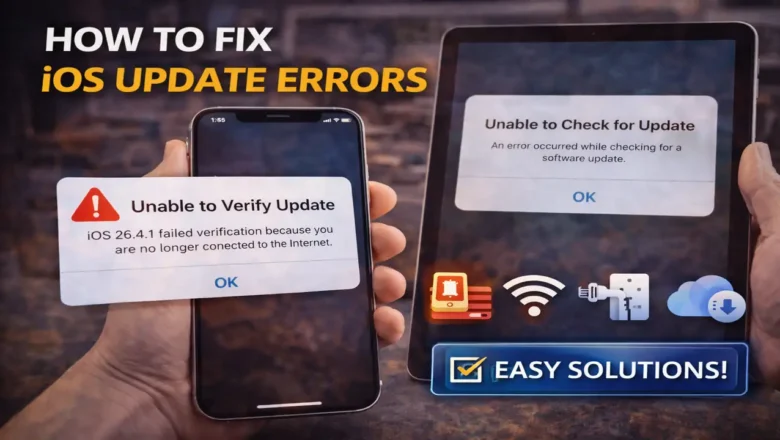
iOS Update Errors: How to Fix Them Fast
How to Fix iOS Update Errors
If your iPhone or iPad refuses to update, shows messages like “Unable to Check for Update,” “Unable to Verify Update,” or throws number-based failures such as 4005, 4013, 4014, 1600, or 3194, you are dealing with iOS update errors. These problems usually come from one of four places: not enough free storage, unstable internet, USB or computer-side issues, or Apple server communication failures.
The good news is that most iOS update errors can be fixed without restoring the device. In many cases, the solution is simply to free up more space, switch to a better Wi-Fi connection, delete the update file, or use a computer instead of updating over the air.
Why iOS update errors happen
Apple updates need enough room to download, prepare, verify, and install. Th...