
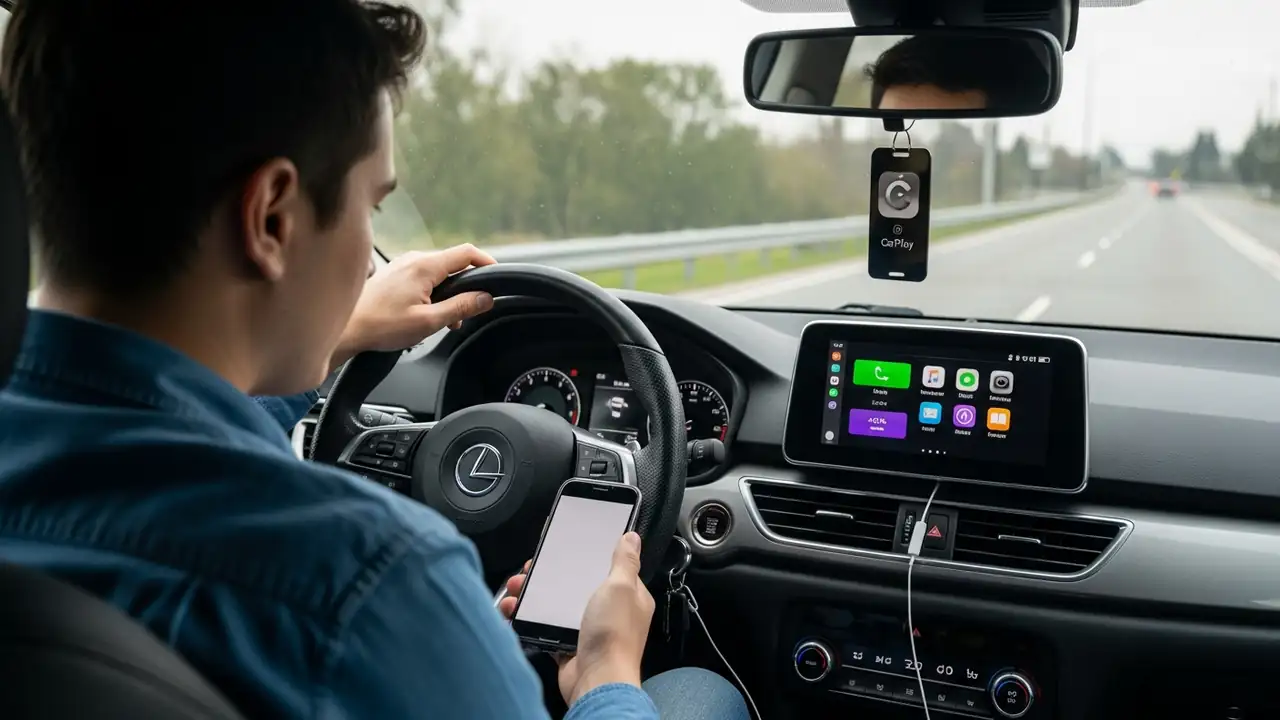
CarPlay not working iOS 26? Fix Your Connectivity Issues
Fixing CarPlay not working iOS 26 on Your iPhone
Troubleshooting common connectivity issues after an iOS update.
Experiencing problems with your vehicle’s integrated display system, particularly CarPlay not working iOS 26, can be frustrating. Users often encounter issues with both wireless and wired connections, preventing access to essential navigation and entertainment features. This guide outlines a series of steps to address and resolve these connectivity challenges on your Apple device.
When your iPhone, running iOS 26, fails to connect or maintain a stable CarPlay not working iOS 26 connection, initial checks can help pinpoint the cause. These problems might manifest as a complete lack of availability or intermittent disconnections. Restarting devices and verifying basic setti...