Troubleshooting by Symptom

iCloud Drive not syncing Mac: Troubleshooting & Fixes

iCloud Drive not syncing Mac: Troubleshooting & Fixes

Troubleshooting by Symptom
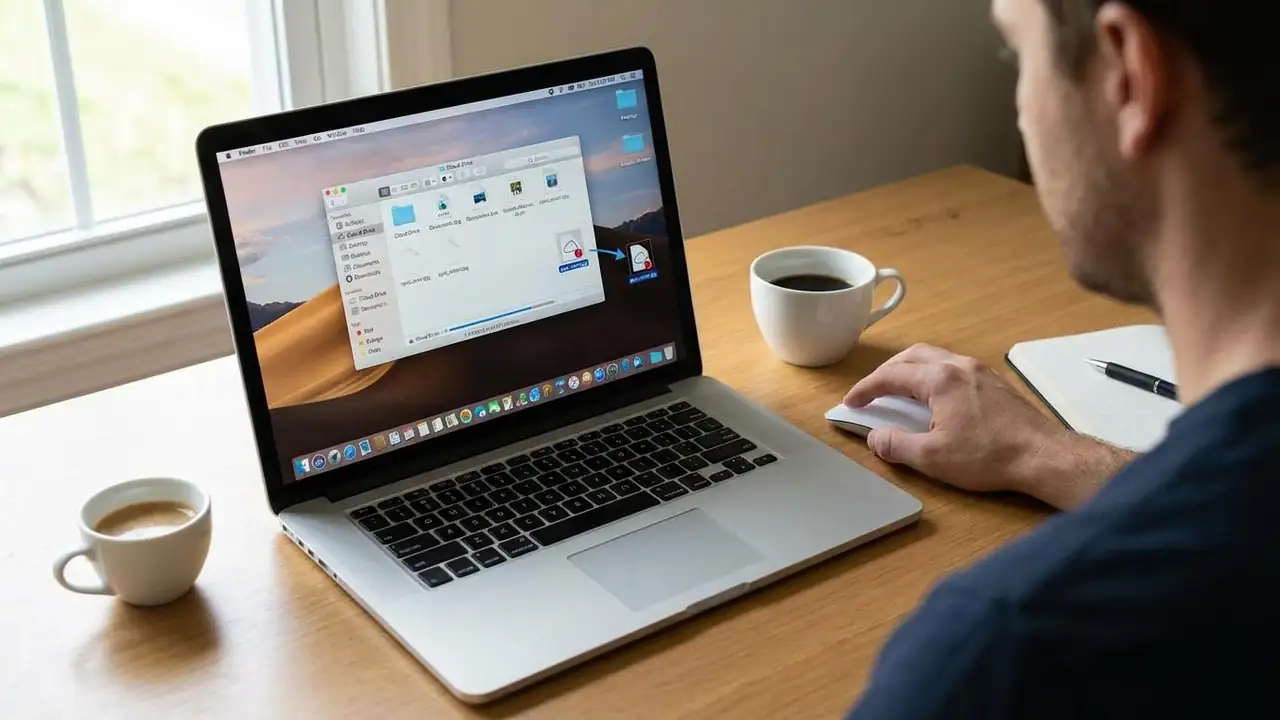
Fix iCloud Drive not syncing Mac Issues Restore seamless file synchronization on your macOS device. When your iCloud Drive not syncing Mac experience becomes frustrating, with files failing to appear or download, or uploads getting stuck, it disrupts your workflow. This guide offers a comprehensive approach to troubleshoot and resolve common synchronization problems, ensuring your important documents and media are accessible across all your Apple devices. If you notice your iCloud Drive missing files, or if there's an indication that your system is actively attempting to sync without progress, these steps can help rectify the situation. Initial Checks for iCloud Drive not syncing Mac Before diving into advanced troubleshooting, it's essential to verify fundamental aspects that can im...
Safari not loading pages? Fix Slow & Unresponsive Safari

Safari not loading pages? Fix Slow & Unresponsive Safari

Troubleshooting by Symptom
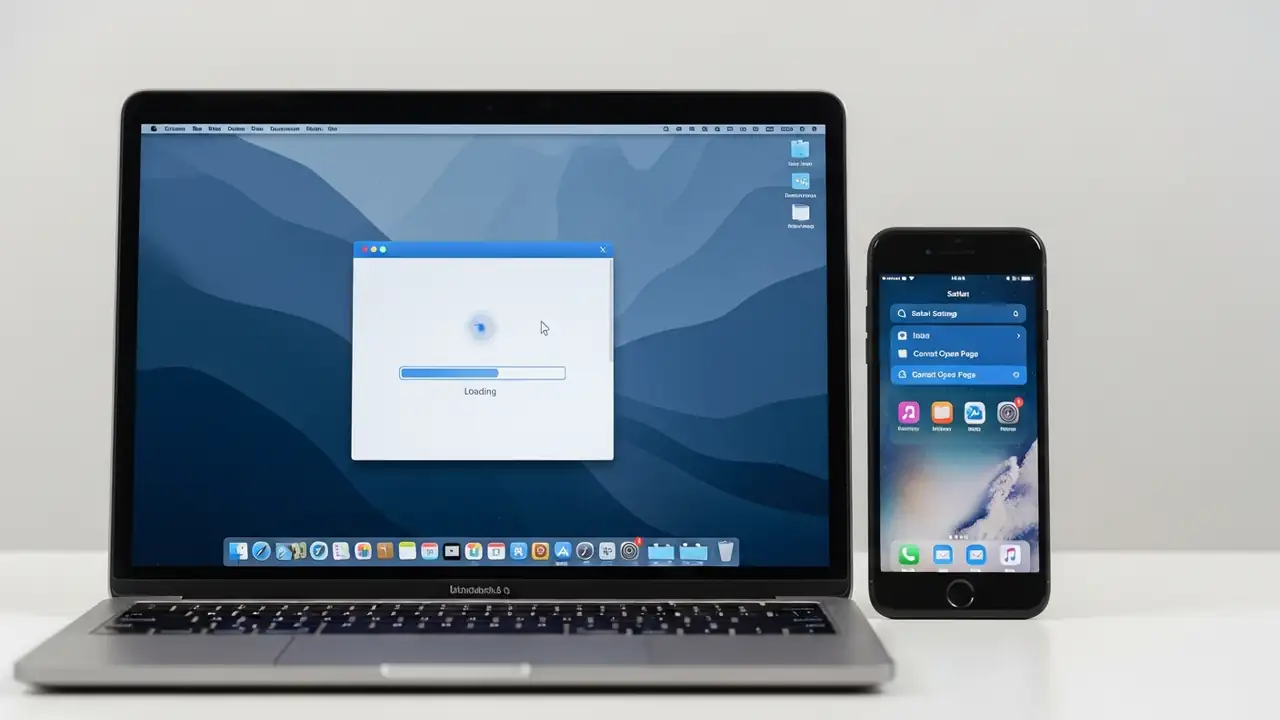
Fix Your Safari not loading pages on Mac or iPhone Experiencing issues with Safari not loading pages, displaying a spinning wheel, or operating slowly can be frustrating whether you're on a Mac or an iPhone. This guide provides solutions to common problems that prevent Safari from performing optimally, helping you restore a smooth browsing experience. When your web browser can’t open pages or becomes unresponsive, the underlying causes often relate to cached data, browser settings, or network connectivity. Addressing these elements systematically can resolve most instances where Safari not loading pages becomes an issue. Initial Checks for Safari not loading pages Before diving into more specific fixes, it's beneficial to perform a few fundamental checks. These steps can often clear ...
Router Not Working? Fix Your Internet & Get Back Online

Router Not Working? Fix Your Internet & Get Back Online

Troubleshooting by Symptom, Router Setup, Step-by-Step Fixes, Wi-Fi Connected, No Internet
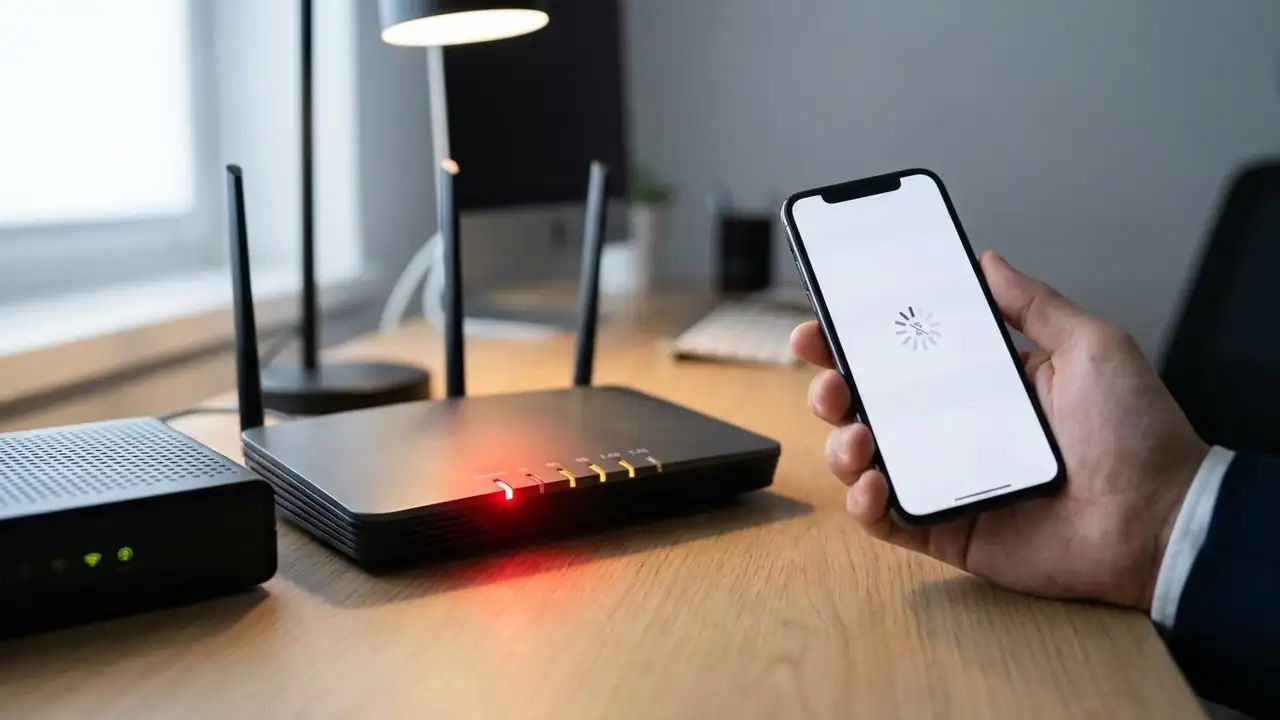
How to Fix Your Router Not Working Experiencing a router not working issue can be frustrating, leaving you without internet access. Whether your Wi-Fi suddenly drops, lights are off, or you're dealing with a router not working after power outage, this guide provides a systematic approach to diagnose and resolve common connectivity problems. Most issues can be fixed with simple troubleshooting steps, often without needing professional help. The most common reasons for a router not working include temporary service outages from your internet service provider (ISP), loose or damaged cables, an overheated router, or incorrect settings. Sometimes, even after a reset, a device like an att router not working after reset requires specific attention to its configuration. By following these step...
🚫
AdBlock Detected!
It looks like you're using an AdBlock extension.
Ads help us provide free, high-quality content.
Please disable your AdBlocker for this website and refresh the page.

How to disable AdBlock:

  1. Click the AdBlock icon in your browser toolbar.
  2. Select "Don't run on this site" or "Pause on this site".
  3. Reload the page using the button below or press F5.
  4. If you still see this message, try temporarily disabling all ad-blocking extensions.