
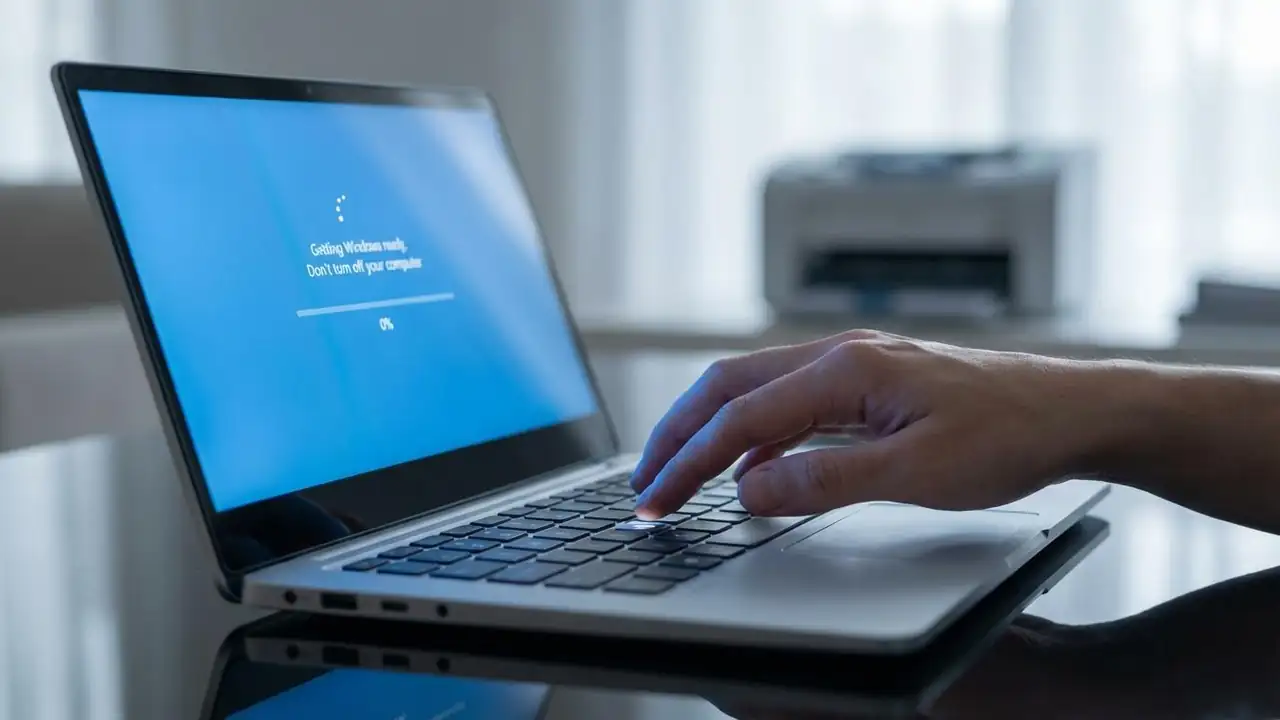
Windows Update Stuck: Fix Freezing, Restart Loops & More
How to Fix a Windows Update Stuck Issue
Resolve common freezing and looping problems to get your PC updated.
Encountering a windows update stuck screen can be frustrating, especially when your system seems to freeze during crucial operations like "Getting Windows ready, Don't turn off your computer" or when the download progress stalls at 0% or 100%. This common issue prevents your PC from booting properly or completing necessary security and feature updates. Fortunately, several troubleshooting steps can help you resolve a windows update stuck situation and restore your system's functionality.
These issues often stem from corrupted update files, insufficient disk space, software conflicts, or interrupted downloads. Addressing these underlying causes systematically is key to success...