Tag: windows 11

SSD Windows Trim: Optimize for Peak Performance

SSD Windows Trim: Optimize for Peak Performance

Performance & Slow PC
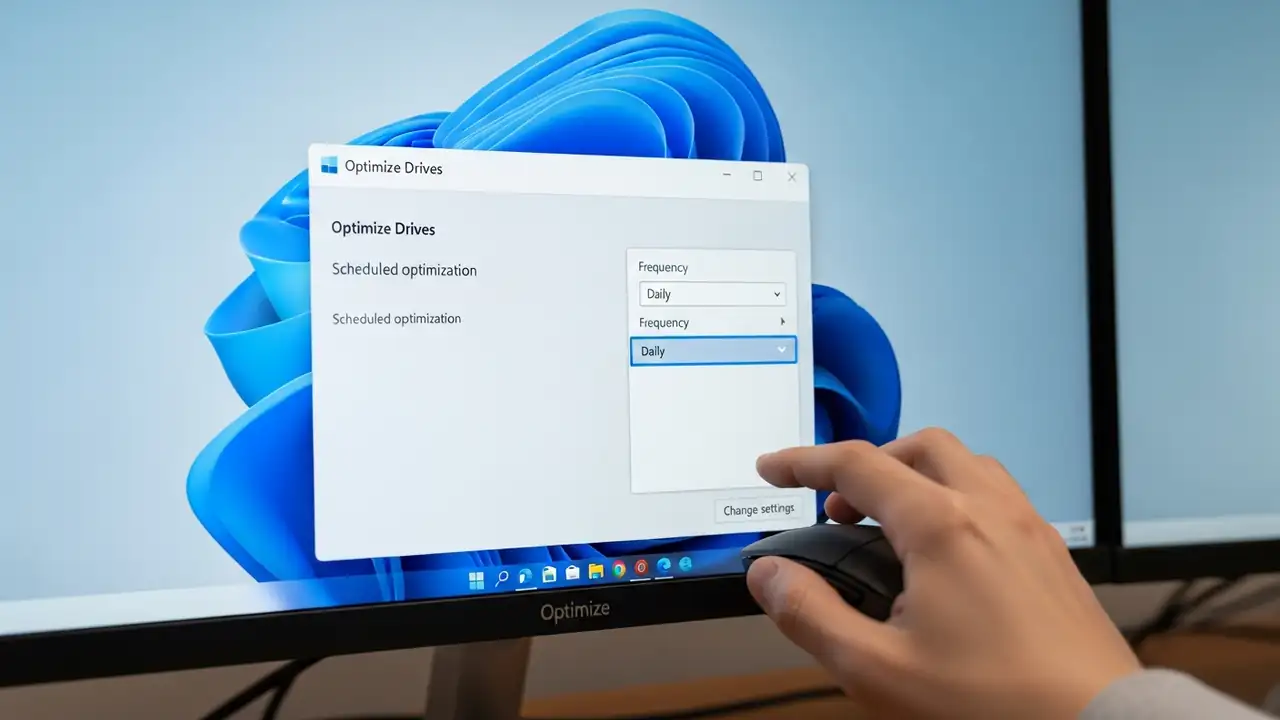
Optimize SSD Windows Trim for Peak Performance Maintain the responsiveness of your solid-state drive on Windows 11 by properly configuring its data management. Your solid-state drive (SSD) relies on the ssd windows trim command to sustain optimal performance. This crucial feature informs your drive which data blocks are no longer necessary following file deletions. While Windows operating systems usually perform this maintenance weekly by default, demanding tasks such as video editing or extensive database operations can greatly benefit from a more frequent, daily cycle to speed up ssd performance. Adjusting this schedule proactively prevents sluggishness and ensures your system remains responsive, contributing to overall speed up your pc efforts. Understanding SSD Windows Trim Benefi...
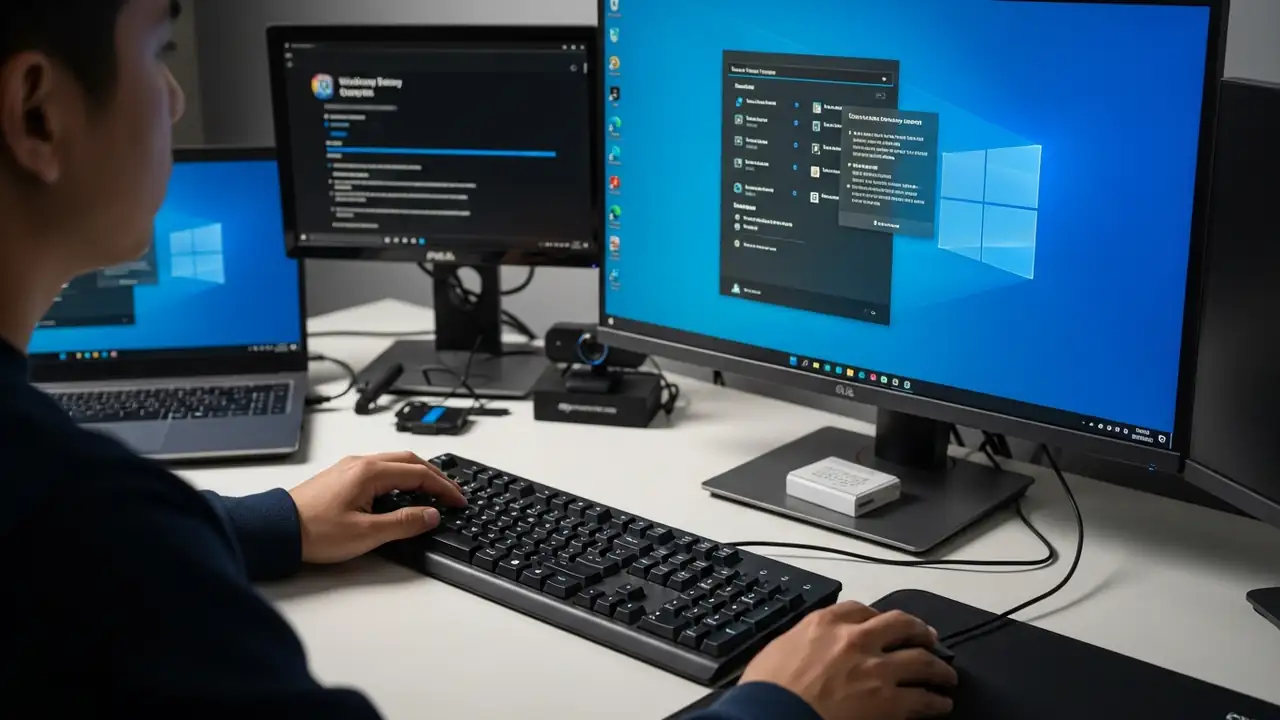
Mouse and keyboard not working: Fix Windows 11 startup issues

Mouse and keyboard not working: Fix Windows 11 startup issues

USB & Devices, Blog
How to Fix Your Mouse and Keyboard Not Working in Advanced Startup Experiencing unresponsive input devices during critical system troubleshooting can be highly frustrating. This guide offers practical solutions when your USB mouse and keyboard not working in Windows Recovery Environment (WinRE) or advanced startup options on Windows 11, especially if they function correctly within your computer's BIOS. This issue often prevents users from navigating essential recovery menus or running diagnostic tools. It can stem from various causes, including insufficient driver support in the limited recovery environment, specific system settings, or even recent software updates. By following these steps, you can regain control of your peripherals and effectively resolve underlying system problems. ...
High CPU Usage in Windows 11: Fix Spikes & 100% Load

High CPU Usage in Windows 11: Fix Spikes & 100% Load

Performance & Slow PC
Fix High CPU Usage in Windows 11 Address Performance Issues and Spikes Encountering high cpu usage on Windows 11 can significantly hinder system performance, leading to slowdowns, unresponsiveness, or even crashes. This issue often manifests as unexpected spikes when launching applications, during gaming sessions, or an alarming display of 100% cpu usage but nothing in task manager clearly visible. Identifying and resolving the underlying causes is crucial for restoring your system's speed and stability. This guide outlines actionable steps to diagnose and mitigate CPU overutilization. The problem might arise from various sources, including background processes consuming excessive power, outdated drivers, or even malicious software operating discreetly. Addressing these issues syste...
Intel Smart Sound Technology Driver Blue Screen Fix

Intel Smart Sound Technology Driver Blue Screen Fix

Drivers & Updates
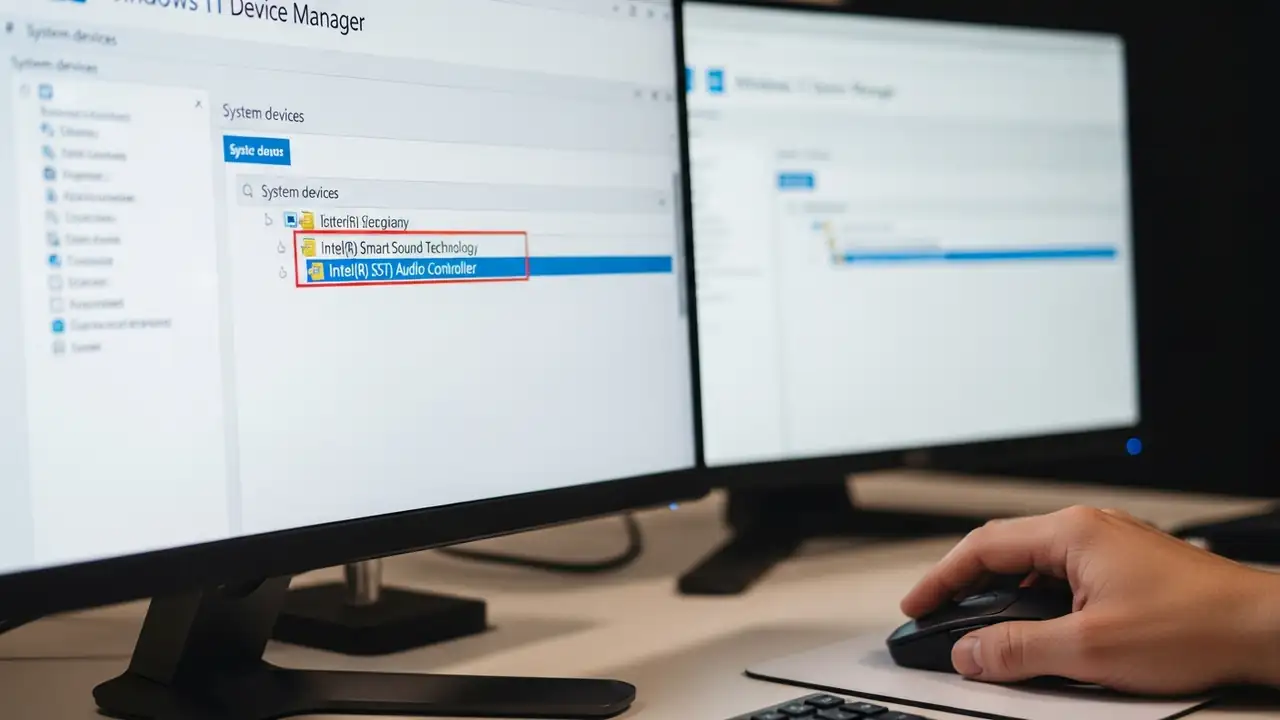
Resolving Blue Screen Errors with the Intel Smart Sound Technology Driver Experiencing unexpected system crashes, often manifested as a blue screen error, on your Windows 11 PC can be frustrating. This specific issue frequently arises from an incompatibility concerning the Intel Smart Sound Technology Driver and the operating system. It particularly impacts systems equipped with 11th generation Intel processors. The blue screen problem is a known conflict. It occurs when certain versions of the Intel Smart Sound Technology Driver are installed on Windows 11. Identifying and updating this component is crucial for system stability and preventing further disruptions. Understanding the Intel Smart Sound Technology Driver Issue The core of this problem lies with specific iterations of the...
Windows 11 January 2026 Update Issues: Fix Boot Failures

Windows 11 January 2026 Update Issues: Fix Boot Failures

Boot & Startup Issues
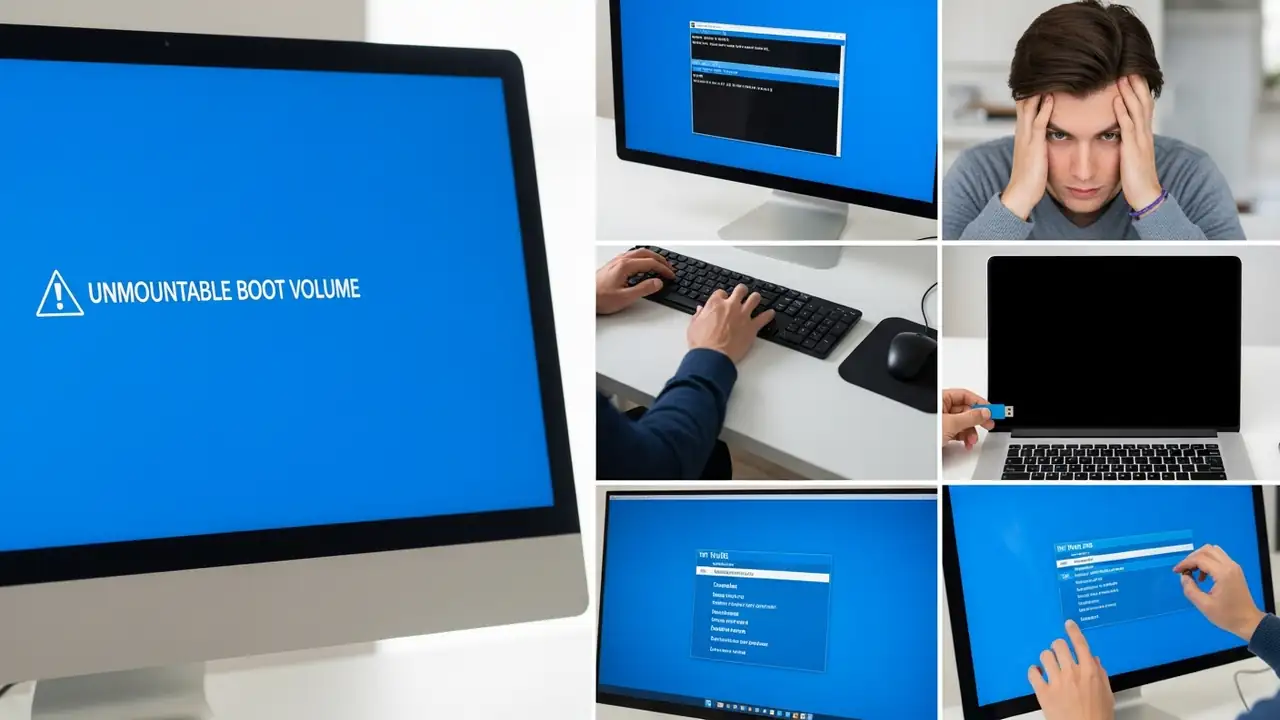
Fix Windows 11 January 2026 Update Issues & Boot Failures Resolving "UNMOUNTABLE BOOT VOLUME" and black screen problems after recent updates. Many Windows 11 users have reported critical Windows 11 January 2026 Update Issues, specifically encountering an "UNMOUNTABLE BOOT VOLUME" error accompanied by a black screen. This issue often occurs immediately after installing the January 2026 security update (KB5074109) and later updates, preventing PCs from booting correctly. Microsoft has acknowledged these boot failures, making a kb5074109 fix a priority for affected users. This guide provides comprehensive steps to recover your system and address these persistent windows update kb5078127 or similar update-related problems. The primary symptom is your PC failing to start, displaying ...
USB device not recognized on Windows 11/10? Fix It!

USB device not recognized on Windows 11/10? Fix It!

USB & Devices
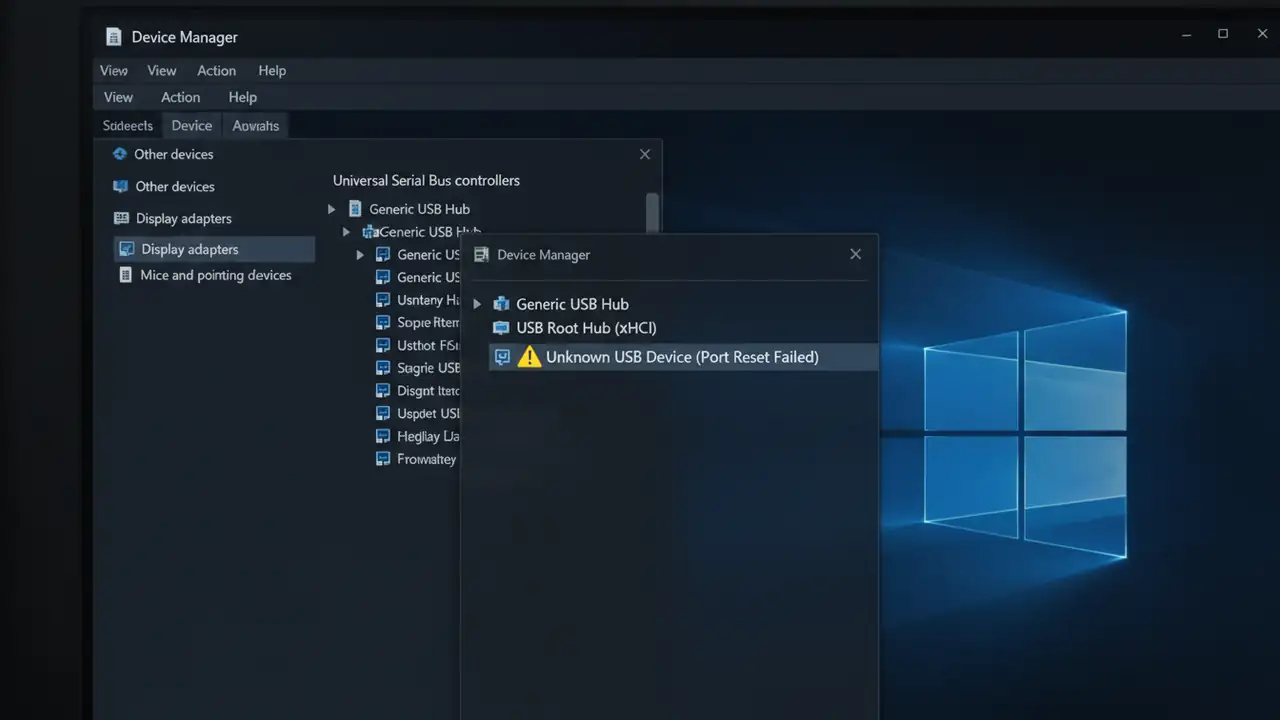
How to Fix USB Device Not Recognized on Windows 11/10 Resolve persistent USB errors and get your devices working again. Experiencing a "USB device not recognized" error on Windows 11 or Windows 10 can be a frustrating problem, often leaving your essential peripherals unusable. This common issue typically manifests as a pop-up message stating that "The last USB device you connected to this computer malfunctioned and Windows does not recognize it." The causes range from simple software glitches to more complex driver or power management conflicts, often leading users to search for solutions on forums like Reddit when their USB device not recognized keeps popping up. The root of this problem often lies with outdated or corrupted drivers, misconfigured power-saving options, or minor har...
DNS server not responding Windows 11: 4 Quick Fixes

DNS server not responding Windows 11: 4 Quick Fixes

DNS & Connectivity Fixes
How to Fix DNS server not responding Windows 11 Resolve internet connectivity issues with these essential troubleshooting steps for your Windows 11 PC. Encountering the "DNS server not responding Windows 11" error can be frustrating, often preventing you from accessing the internet despite your Wi-Fi or Ethernet connection appearing active. This common issue indicates a problem with how your computer translates website names into IP addresses, a critical step for online communication. Fortunately, most instances of DNS server not responding Windows 11 can be resolved quickly using straightforward methods. This guide provides a series of effective solutions to get your Windows 11 system back online. We'll start with the simplest checks and move to more in-depth network adjustments, h...
Laptop not booting? Fix Black Screen & Windows Issues

Laptop not booting? Fix Black Screen & Windows Issues

No Power / Won’t Turn On
Fix Your Laptop Not Booting: A Step-by-Step Guide Troubleshoot common reasons why your laptop won't start or load Windows. Experiencing your laptop not booting can be a frustrating situation, whether you're facing a black screen, a stuck logo, or an error message. This is a common problem with several potential causes, from simple power issues to more complex software or hardware faults. Don't panic; this comprehensive guide will walk you through systematic troubleshooting steps to help you identify and resolve the issue. We'll cover everything from basic checks to advanced diagnostics, applicable whether your laptop not booting is running Windows 10 or Windows 11. The exact behavior of your device when it's not booting can provide valuable clues. Does it show a total black screen w...
Wifi Keeps Disconnecting? Fix Your Connection Now!

Wifi Keeps Disconnecting? Fix Your Connection Now!

DNS & Connectivity Fixes
How to Fix When Your Wifi Keeps Disconnecting Experiencing Wi-Fi drops can be incredibly frustrating, disrupting work, streaming, and online gaming. If your wifi keeps disconnecting, it's usually due to a minor software glitch, environmental interference, or a setting that's trying to be "too smart" for its own good. This guide will walk you through systematic steps to diagnose and resolve persistent Wi-Fi disconnections across your devices. Whether your wifi keeps disconnecting on phone, your PC running wifi keeps disconnecting windows 11, or your wifi keeps dropping on macbook, the underlying causes often share common solutions. The key is to start with simple fixes and gradually move to more advanced troubleshooting. Pinpointing if the issue affects all devices or just one specific ...
🚫
AdBlock Detected!
It looks like you're using an AdBlock extension.
Ads help us provide free, high-quality content.
Please disable your AdBlocker for this website and refresh the page.

How to disable AdBlock:

  1. Click the AdBlock icon in your browser toolbar.
  2. Select "Don't run on this site" or "Pause on this site".
  3. Reload the page using the button below or press F5.
  4. If you still see this message, try temporarily disabling all ad-blocking extensions.