
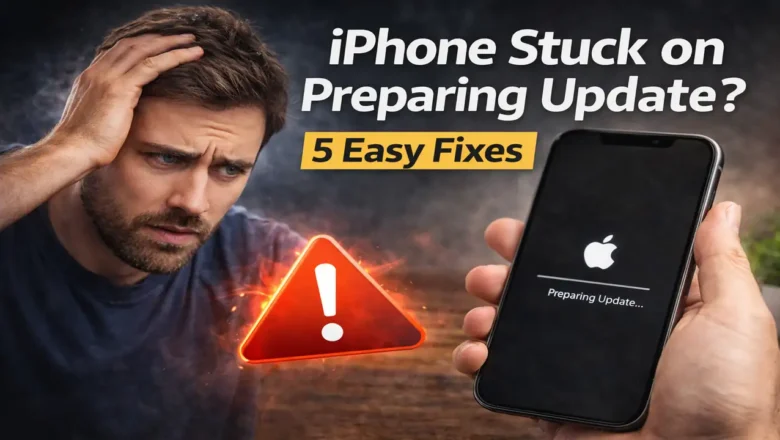
iPhone Stuck on Preparing Update? 5 Easy Fixes
5 Easy Ways to Fix iPhone Stuck on Preparing Update
When your iPhone stuck on Preparing Update refuses to move forward, the issue is usually not as serious as it looks. In most cases, the update is being delayed by a weak Wi-Fi connection, limited storage, a damaged update file, or a temporary software hang that prevents iOS from moving to the next stage.
The good news is that this problem is often easy to fix without advanced tools. If your iPhone or iPad has been sitting on the same message for too long, work through the following methods in order. That gives you the best chance of getting the update to install cleanly without creating new issues.
1. Check Wi-Fi and keep the device plugged in
Start with the basics before trying anything deeper. A software update needs a stable conn...