
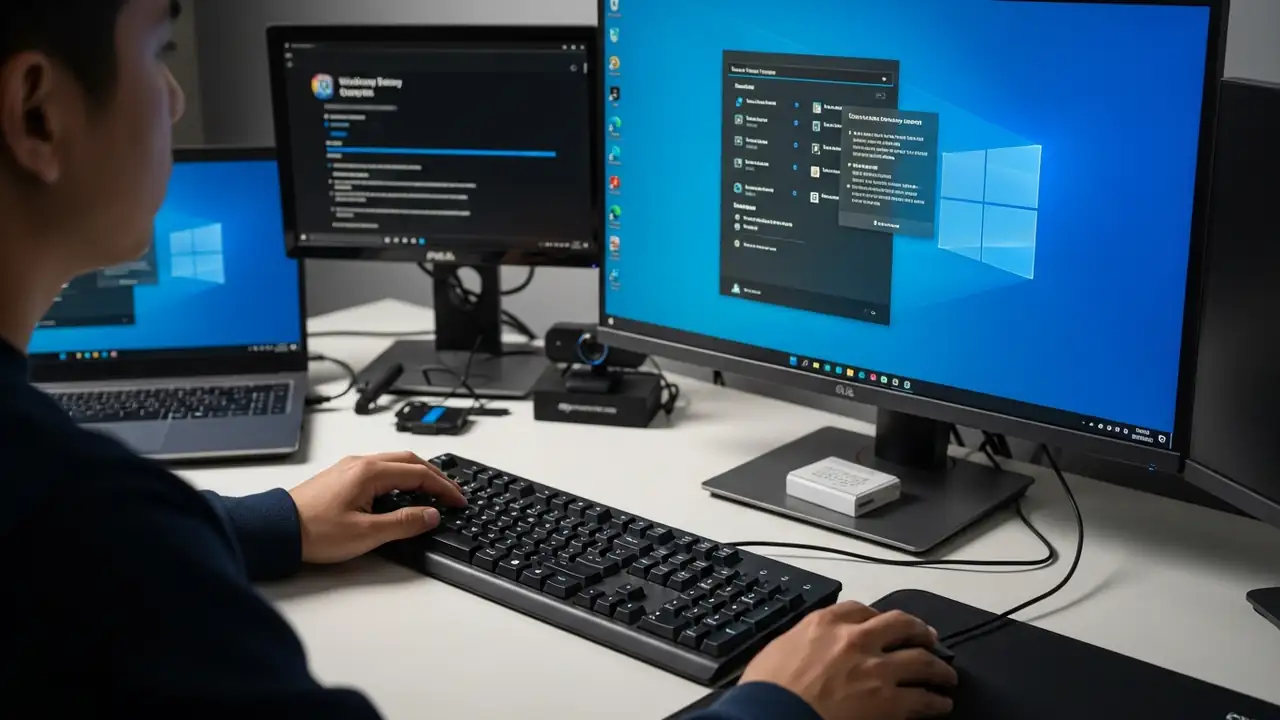
Mouse and keyboard not working: Fix Windows 11 startup issues
How to Fix Your Mouse and Keyboard Not Working in Advanced Startup
Experiencing unresponsive input devices during critical system troubleshooting can be highly frustrating. This guide offers practical solutions when your USB mouse and keyboard not working in Windows Recovery Environment (WinRE) or advanced startup options on Windows 11, especially if they function correctly within your computer's BIOS.
This issue often prevents users from navigating essential recovery menus or running diagnostic tools. It can stem from various causes, including insufficient driver support in the limited recovery environment, specific system settings, or even recent software updates. By following these steps, you can regain control of your peripherals and effectively resolve underlying system problems.
...