
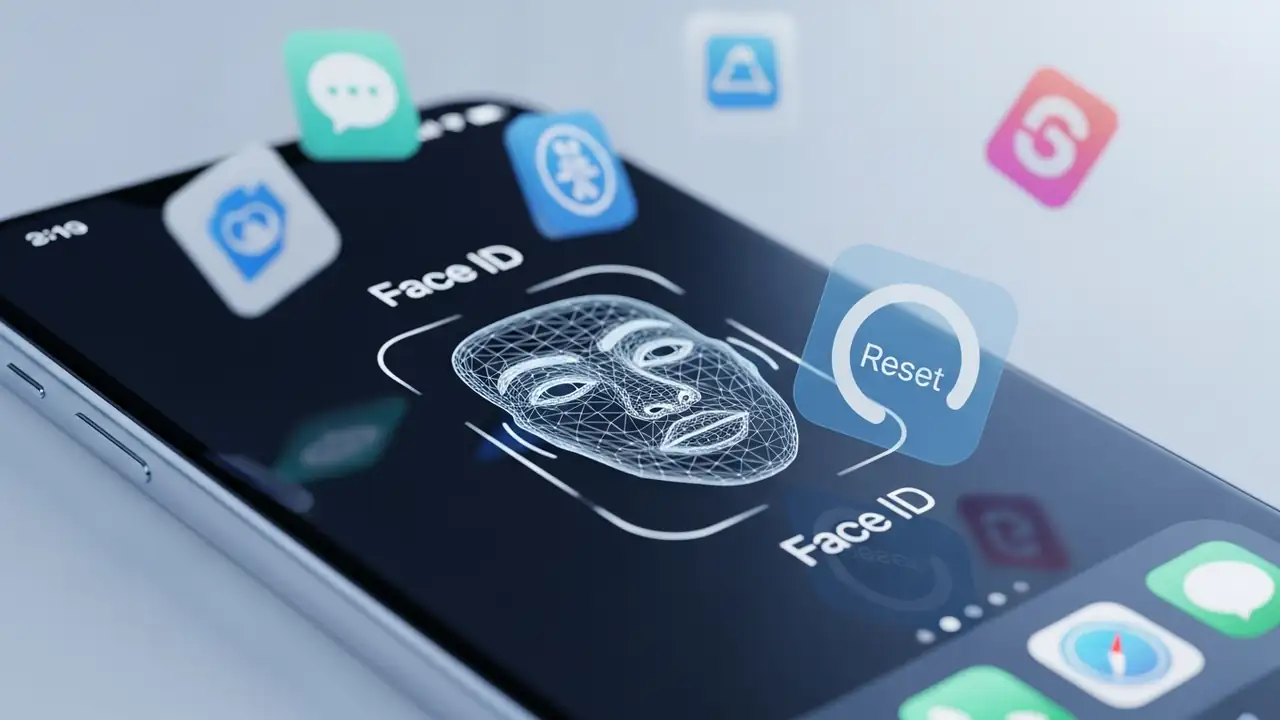
Tag: ios 26.2.1

Reset Face ID on iOS 26.2.1 for Third-Party App Fixes

Reset Face ID on iOS 26.2.1 for Third-Party App Fixes

Face ID / Touch ID
How to Reset Face ID on iOS 26.2.1 for Third-Party Apps Restore secure biometric access to your applications by troubleshooting common issues and knowing when to Reset Face ID. If your device is running iOS 26.2.1 and Face ID is encountering difficulties specifically within third-party applications, you are not alone. Komodoty indicates that many biometric authentication problems, especially those appearing after a system update, stem from minor software glitches that can often be resolved with straightforward troubleshooting steps. While some issues might be temporary, persistent failures may necessitate a complete Reset Face ID to restore functionality. The key to resolving these Face ID failing scenarios is a methodical approach, starting with basic checks and progressing to more...
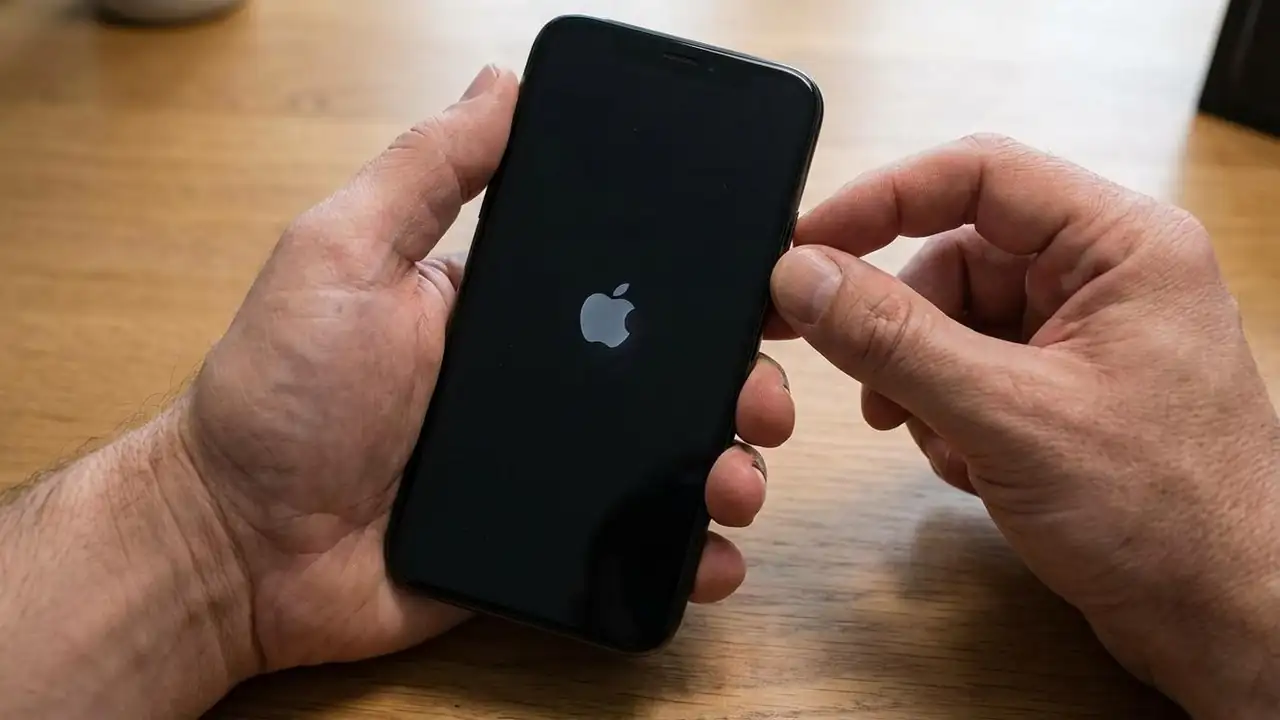
iOS 26.2.1 Problems: Fix Crashes, Battery Drain & Network Issues

iOS 26.2.1 Problems: Fix Crashes, Battery Drain & Network Issues

iOS Update Issues
How to Fix iOS 26.2.1 Problems Experiencing instability after installing the latest update? Many users report significant iOS 26.2.1 Problems, from unexpected crashes and forced restarts to severe battery drain and persistent network issues. Since Apple has stopped signing iOS 26.2, reverting to the previous stable version is unfortunately no longer an option. This guide provides targeted solutions to help stabilize your device and resolve common issues following the update. Each step offers a practical check or action to restore your iPhone's performance and connectivity. It is crucial to address these problems systematically to ensure your device functions optimally again. Addressing Frequent iOS 26.2.1 Problems and Restarts Frequent crashes and unexpected restarts are among the mo...
🚫
AdBlock Detected!
It looks like you're using an AdBlock extension.
Ads help us provide free, high-quality content.
Please disable your AdBlocker for this website and refresh the page.

How to disable AdBlock:

  1. Click the AdBlock icon in your browser toolbar.
  2. Select "Don't run on this site" or "Pause on this site".
  3. Reload the page using the button below or press F5.
  4. If you still see this message, try temporarily disabling all ad-blocking extensions.