
System Updates

Android 16 desktop windowing on Pixel Tablet

Android 16 desktop windowing on Pixel Tablet

System Updates
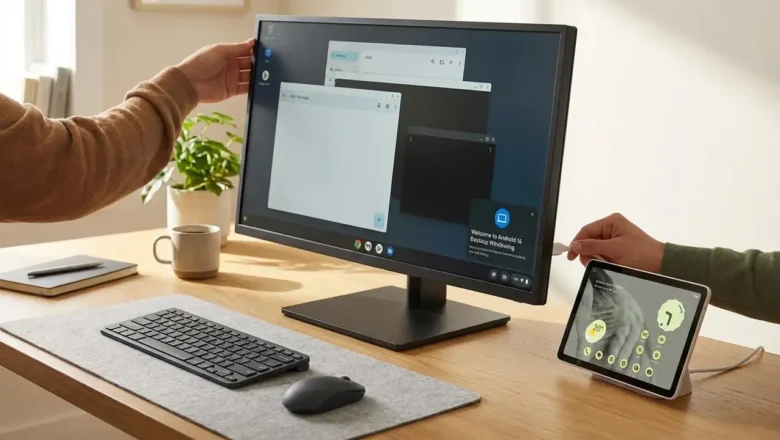
Android 16 desktop windowing on Pixel Tablet New productivity features arrive for tablet users The implementation of Android 16 desktop windowing marks a pivotal shift for users who demand more from their portable hardware. By introducing a desktop-style windowing interface, the operating system allows for the fluid management of several applications simultaneously. This change is most evident when users move from a standard touch interface to a dedicated workstation setup. Android 16 QPR3 serves as the primary foundation for these significant improvements. It enables a versatile user interface that mimics the behavior of a standard computer. For those seeking better results from their mobile hardware, the addition of Android 16 desktop windowing is a major step toward making tablet...
Google Pixel Latest Update Problems: Fix Wi-Fi, Bluetooth, Camera

Google Pixel Latest Update Problems: Fix Wi-Fi, Bluetooth, Camera

System Updates
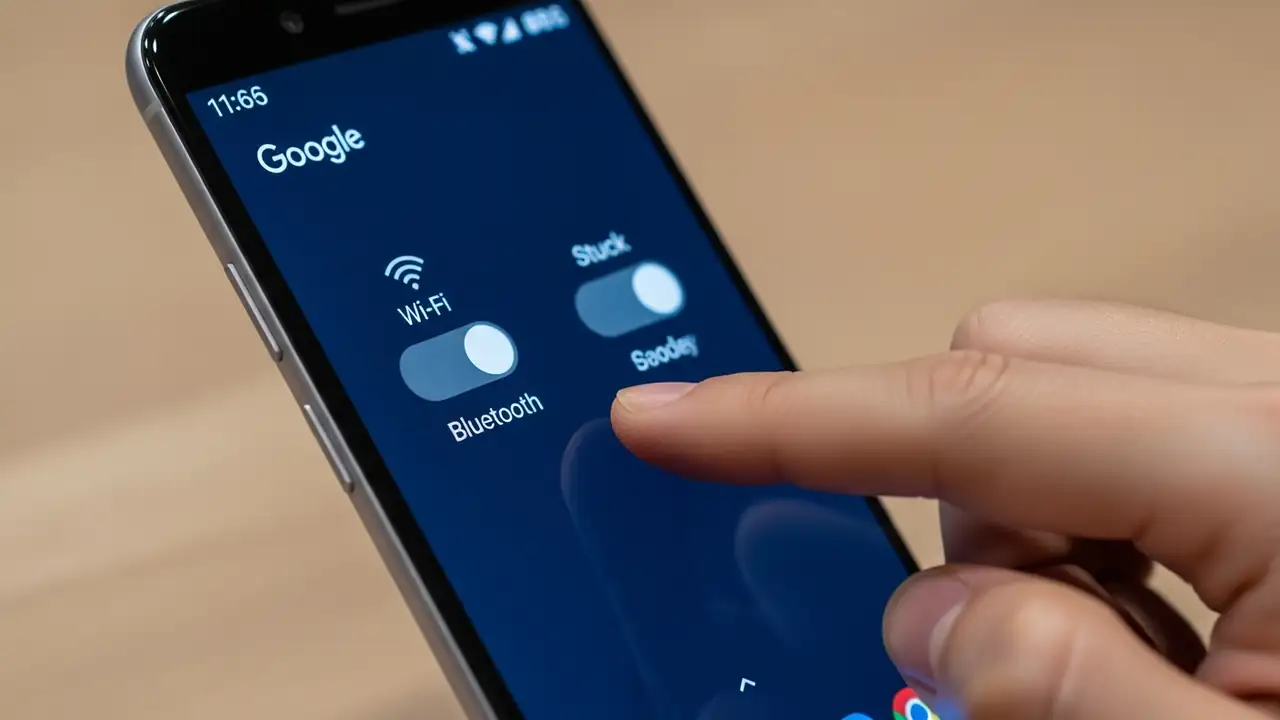
Fixing Your Google Pixel Latest Update Problems Address critical Wi-Fi, Bluetooth, and Camera app failures after the January 2026 patch. Users of Google Pixel devices, particularly owners of the Pixel 10 and Pixel 8 series, are encountering significant google pixel latest update problems following the installation of the January 2026 security patch. This system update introduces critical bugs that prevent Wi-Fi and Bluetooth features from activating, alongside persistent crashes in the Camera application. Standard troubleshooting steps, such as performing a factory reset, frequently fail to correct these deep-seated software malfunctions. This guide outlines verified solutions and temporary workarounds to help restore your device's functionality. Identifying Google Pixel Latest Update...
🚫
AdBlock Detected!
It looks like you're using an AdBlock extension.
Ads help us provide free, high-quality content.
Please disable your AdBlocker for this website and refresh the page.

How to disable AdBlock:

  1. Click the AdBlock icon in your browser toolbar.
  2. Select "Don't run on this site" or "Pause on this site".
  3. Reload the page using the button below or press F5.
  4. If you still see this message, try temporarily disabling all ad-blocking extensions.