
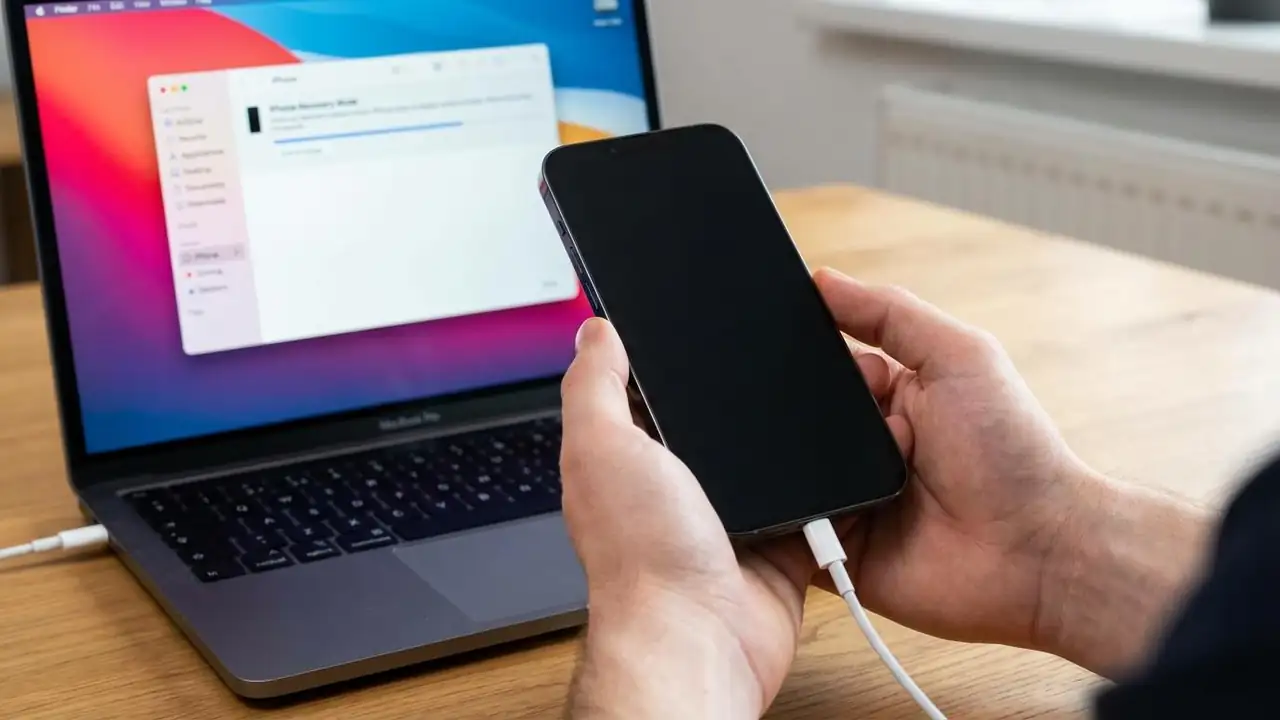
DFU mode: Fix iPhone Stuck on Apple Logo
Fix Your iPhone Stuck on Apple Logo Using DFU Mode
If your iPhone is unresponsive and displaying only the Apple logo after an update or restore, a more advanced solution may be required.
Your iPhone might be experiencing a critical system error that standard troubleshooting or even recovery mode cannot fix. In such scenarios, DFU mode (Device Firmware Update) serves as the most powerful last resort. It allows your device to be restored to factory settings by completely reloading the firmware without loading the iBoot bootloader, which is crucial for correcting deep-seated software issues.
Important Warning: Data Erasure
A DFU mode restore erases all data on your device. It is imperative to have a recent backup on iCloud or your computer (Mac or Windows PC) before attempting this proc...