

Storage & iCloud

iOS 26.2.1 storage issues: Fix iPhone Inaccurate Readings

iOS 26.2.1 storage issues: Fix iPhone Inaccurate Readings

Storage & iCloud
Addressing iOS 26.2.1 storage issues on Your iPhone Resolving inaccurate space readings and excessive system data on your Apple smartphone. Many iPhone users on iOS 26.2.1 encounter inaccurate storage information, particularly an inflated "System Data" category. This can lead to the perception of limited space, even when applications and personal files do not account for the reported usage. Effectively tackling these iOS 26.2.1 storage issues requires a systematic approach to refresh system calculations and clear hidden caches. The problem often manifests as a discrepancy between the total reported storage used and the sum of known app and media data. This guide provides a series of steps, from simple reboots to more involved system resets, to help your device report its storage cap...
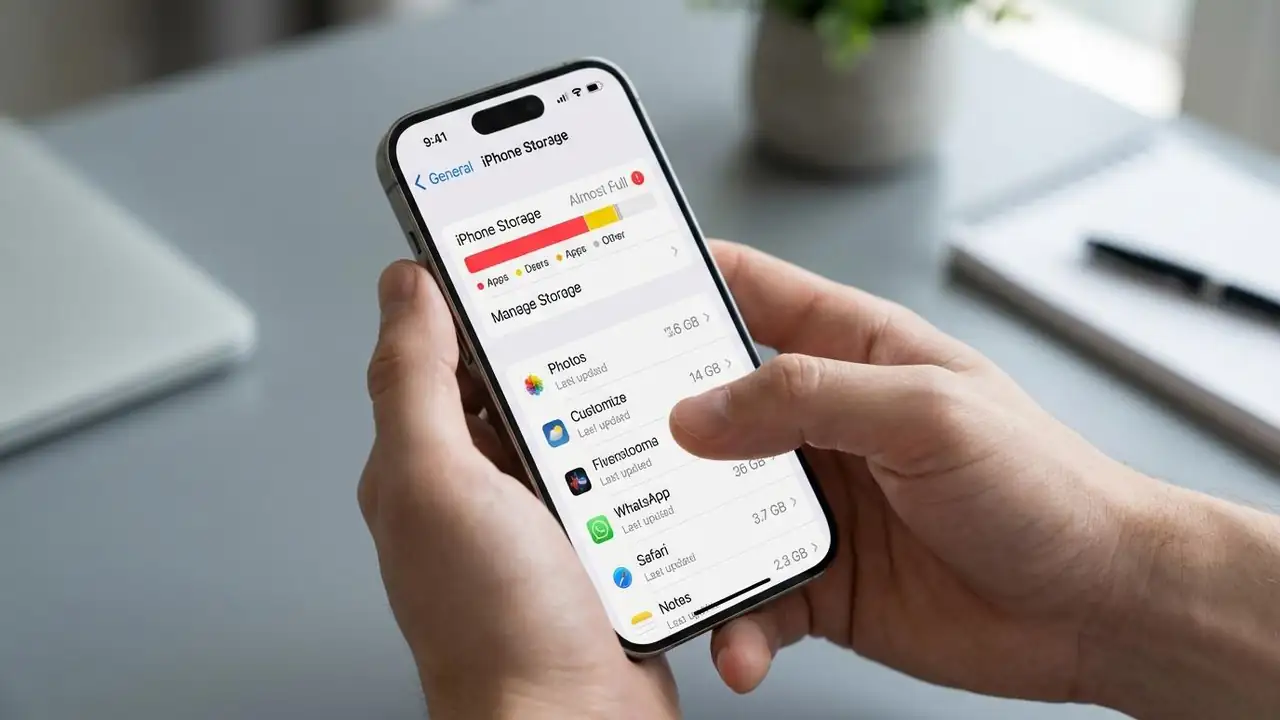
iPhone Storage Full: Free Up Space Now!

iPhone Storage Full: Free Up Space Now!

Storage & iCloud, Storage Full
How to Fix iPhone Storage Full Issues Even with generous cloud storage options, many iPhone users frequently encounter the frustrating "iPhone Storage Full" message. This common issue, often leading to a "phone always storage full" feeling, prevents new photos, app updates, and smooth performance. Understanding how your iPhone manages data and how iCloud interacts with it is crucial to freeing up valuable space. When your iPhone storage full, it impacts the device's speed and functionality, making it essential to manage files effectively. This guide will walk you through practical steps to identify storage culprits and implement solutions, ensuring your device has the necessary room to operate efficiently. From optimizing media to clearing app caches, we'll cover methods to alleviate t...
🚫
AdBlock Detected!
It looks like you're using an AdBlock extension.
Ads help us provide free, high-quality content.
Please disable your AdBlocker for this website and refresh the page.

How to disable AdBlock:

  1. Click the AdBlock icon in your browser toolbar.
  2. Select "Don't run on this site" or "Pause on this site".
  3. Reload the page using the button below or press F5.
  4. If you still see this message, try temporarily disabling all ad-blocking extensions.