
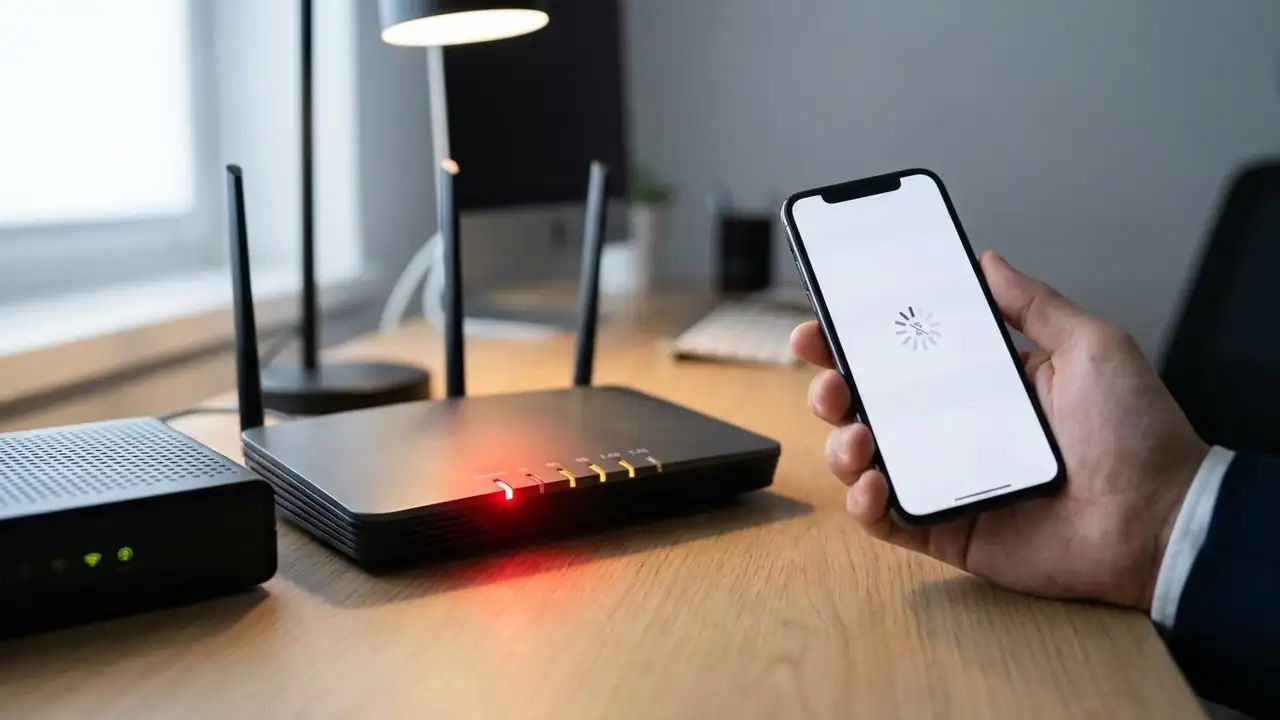
Router Not Working? Fix Your Internet & Get Back Online
How to Fix Your Router Not Working
Experiencing a router not working issue can be frustrating, leaving you without internet access. Whether your Wi-Fi suddenly drops, lights are off, or you're dealing with a router not working after power outage, this guide provides a systematic approach to diagnose and resolve common connectivity problems. Most issues can be fixed with simple troubleshooting steps, often without needing professional help.
The most common reasons for a router not working include temporary service outages from your internet service provider (ISP), loose or damaged cables, an overheated router, or incorrect settings. Sometimes, even after a reset, a device like an att router not working after reset requires specific attention to its configuration. By following these step...