
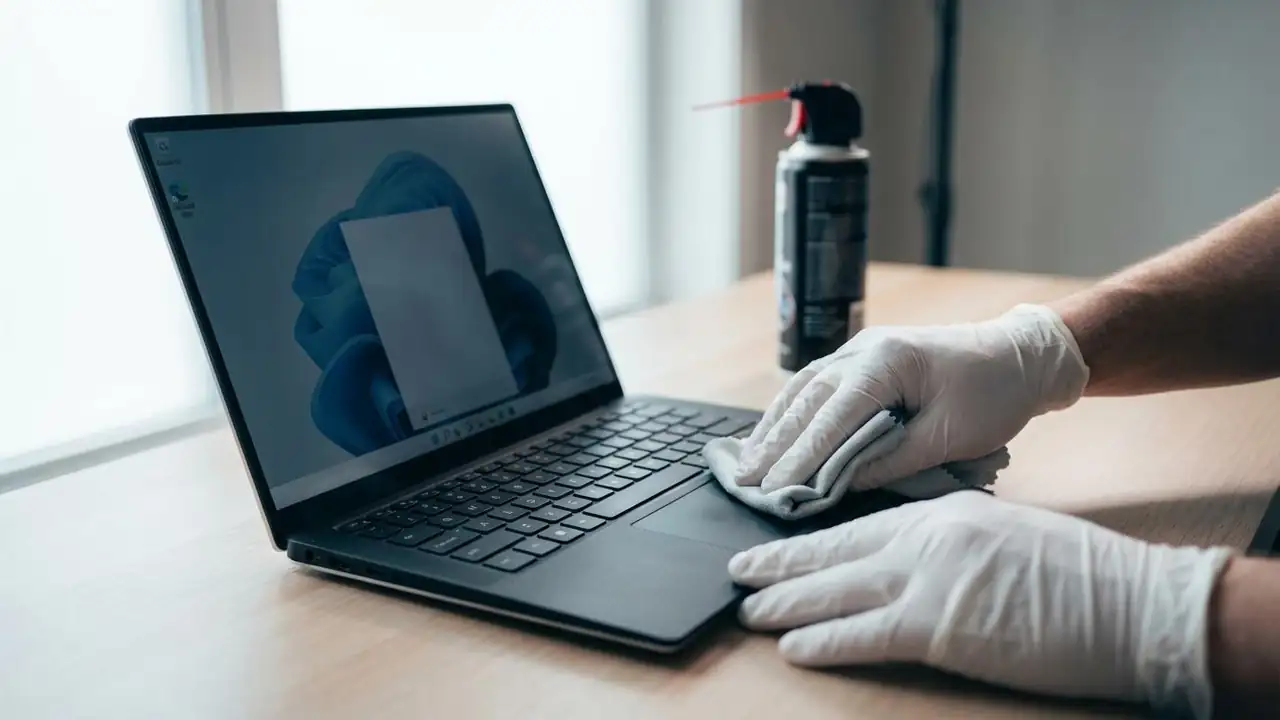
Dell Touchpad Driver: Fix Non-Responsive Touchpads
Fix Your dell touchpad driver Issues on Windows
Troubleshoot unresponsive keyboards and touchpads on Dell and Alienware systems.
Experiencing a non-responsive keyboard or touchpad can be frustrating, especially when it hinders basic computer use. If your input devices suddenly stop working, the first and simplest step is always to restart your computer. This can often resolve temporary software glitches that might be interfering with your dell touchpad driver or keyboard functionality. If the problem persists after a restart, you'll need an external mouse and keyboard to navigate Windows and perform further troubleshooting.
This guide will walk you through systematic steps to diagnose and resolve common issues, from basic hardware checks to advanced driver and system solutions. Whet...