
Error Codes

Windows activation error: Fix Can’t Activate Windows

Windows activation error: Fix Can’t Activate Windows

Error Codes
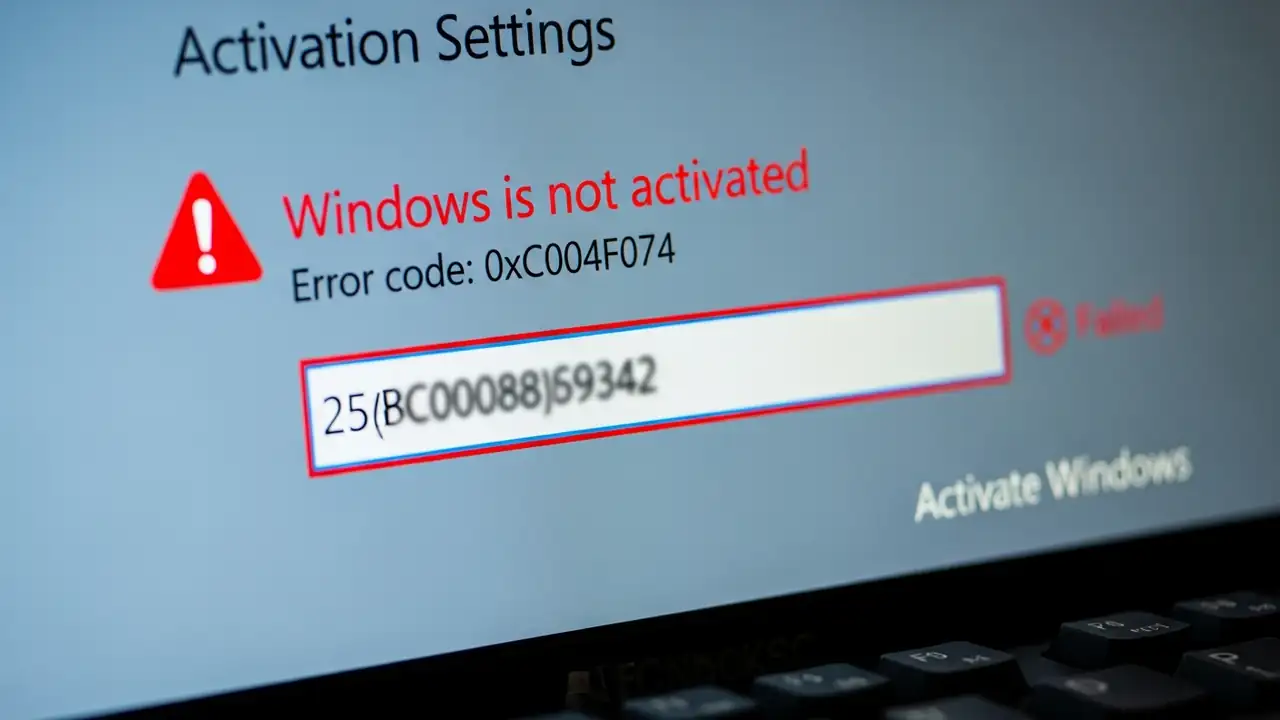
How to Fix a Windows Activation Error Encountering a Windows activation error can be frustrating, preventing you from fully utilizing your operating system. Whether you are running Windows 10 or attempting to activate Windows 11, issues like a "product key not working" message or "Windows not genuine" warnings often indicate a problem with the license. This guide provides comprehensive steps to resolve common activation problems, including when an "activation server unavailable" message appears or a specific error code like 0xC004F074 is displayed. The core of most activation difficulties lies in how the system verifies your digital license Windows or product key with Microsoft's servers. A number of factors, from simple typos to complex server communication issues, can trigger these a...
0x800f0831 Windows 10 Update Errors: Fix Installation Issues

0x800f0831 Windows 10 Update Errors: Fix Installation Issues

Drivers & Updates, Error Codes
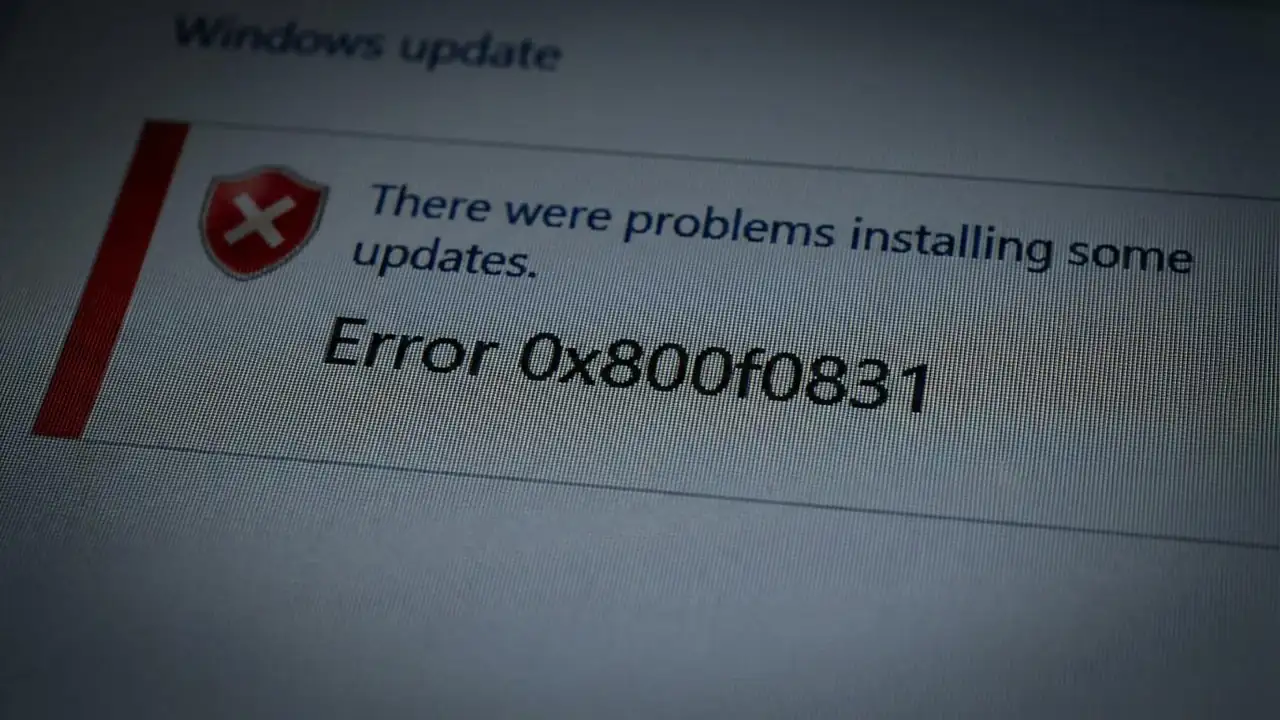
How to Fix 0x800f0831 Windows 10 Update Errors Encountering a persistent update error like 0x800f0831 Windows 10 can be frustrating, especially when trying to keep your system secure and up-to-date. This error, often accompanied by 0x800f0989, typically indicates that essential component store (CBS) files are either missing or corrupted, preventing cumulative updates from installing correctly on Windows 10 or even leading to an erreur d'installation 0x800f0831 windows 11. Resolving this issue is crucial for system stability and security. These update failures can manifest after a failed update attempt, during a major version upgrade, or even with regular monthly patches for 0x800f0831 windows 10 22h2. The underlying cause usually relates to the integrity of your Windows system files, w...
🚫
AdBlock Detected!
It looks like you're using an AdBlock extension.
Ads help us provide free, high-quality content.
Please disable your AdBlocker for this website and refresh the page.

How to disable AdBlock:

  1. Click the AdBlock icon in your browser toolbar.
  2. Select "Don't run on this site" or "Pause on this site".
  3. Reload the page using the button below or press F5.
  4. If you still see this message, try temporarily disabling all ad-blocking extensions.