Drivers & Updates

Windows Update stuck: Fix Downloading or Installing Issues

Windows Update stuck: Fix Downloading or Installing Issues

Drivers & Updates, Drivers
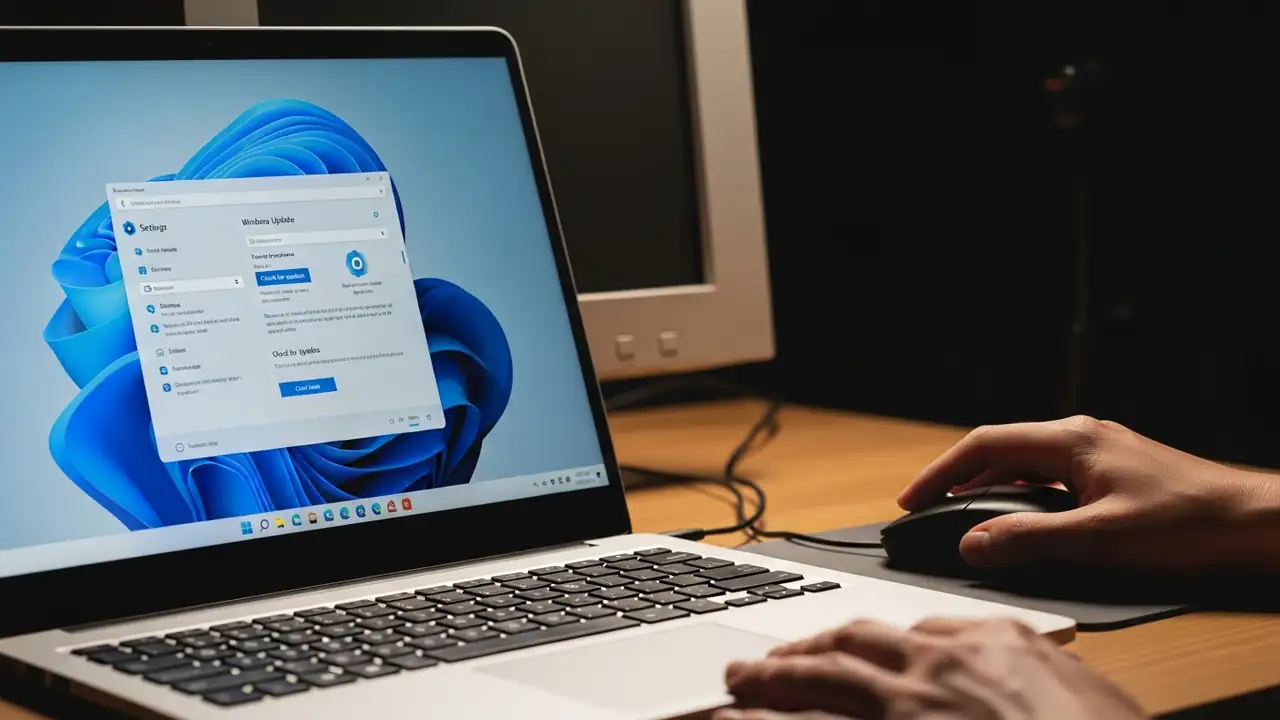
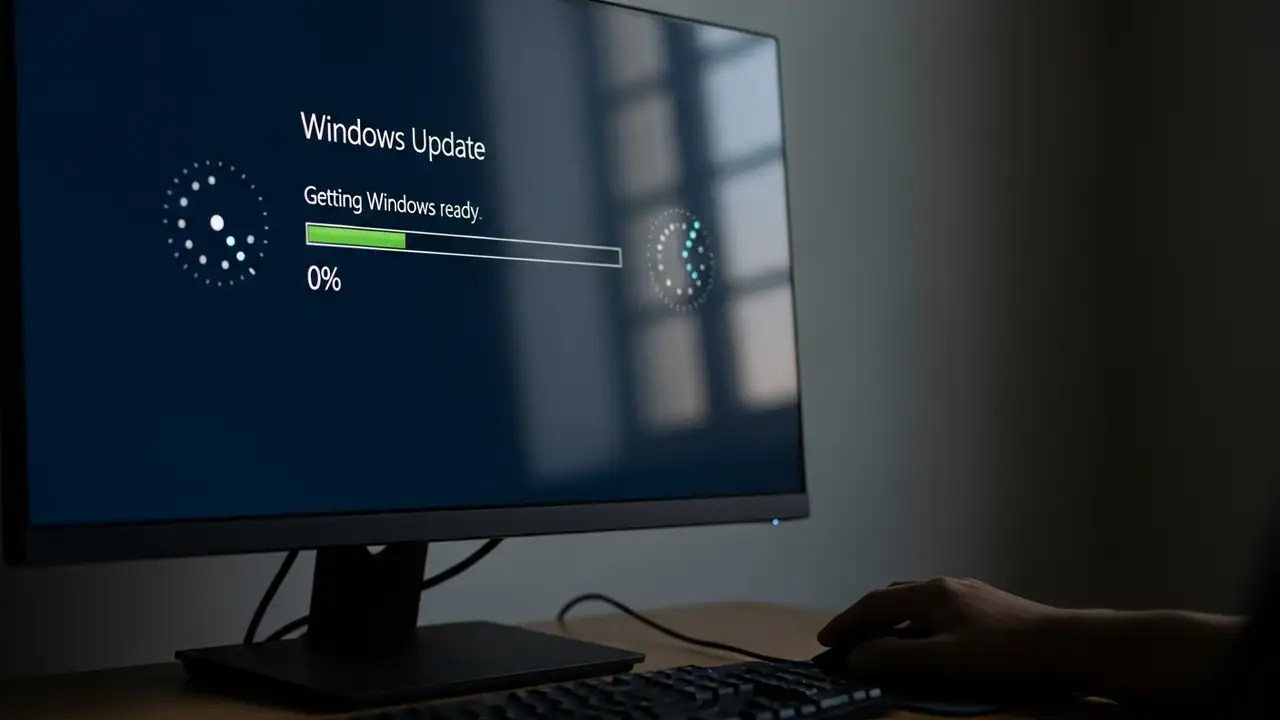
How to Fix Windows Update Stuck on Downloading or Installing Encountering a Windows Update stuck loop can be a frustrating experience, whether updates are at 0%, 100%, or simply failing to progress. This guide provides comprehensive steps to resolve common issues preventing your Windows 10 or Windows 11 system from properly updating. When your system is experiencing a Windows Update stuck problem, it often means the process has halted, not downloading or installing critical updates. This can lead to your computer becoming unresponsive or caught in a pending install state. Resolving this typically involves a series of diagnostic and repair actions, from simple reboots to more involved system utility usage. Initial Steps to Resolve Windows Update Stuck Before diving into complex troubl...
Intel Smart Sound Technology Driver Blue Screen Fix

Intel Smart Sound Technology Driver Blue Screen Fix

Drivers & Updates
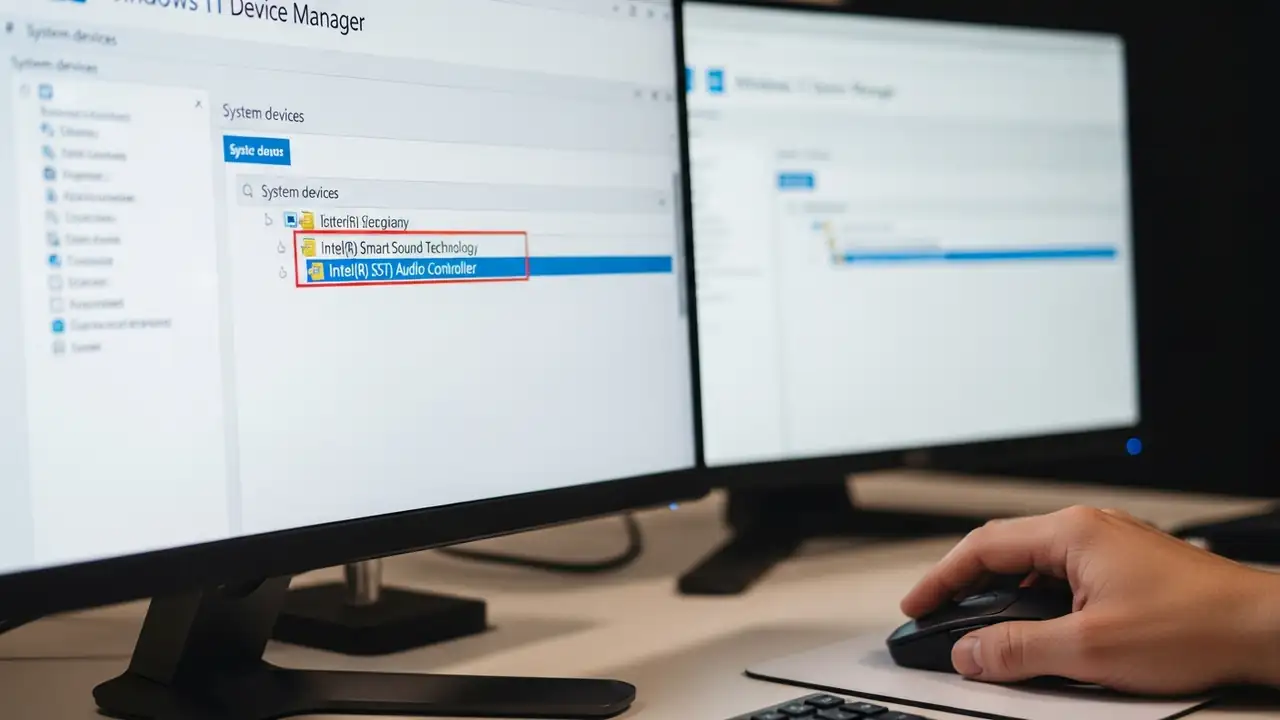
Resolving Blue Screen Errors with the Intel Smart Sound Technology Driver Experiencing unexpected system crashes, often manifested as a blue screen error, on your Windows 11 PC can be frustrating. This specific issue frequently arises from an incompatibility concerning the Intel Smart Sound Technology Driver and the operating system. It particularly impacts systems equipped with 11th generation Intel processors. The blue screen problem is a known conflict. It occurs when certain versions of the Intel Smart Sound Technology Driver are installed on Windows 11. Identifying and updating this component is crucial for system stability and preventing further disruptions. Understanding the Intel Smart Sound Technology Driver Issue The core of this problem lies with specific iterations of the...
24h2 Freezing: Fix Windows 11 App Crashes

24h2 Freezing: Fix Windows 11 App Crashes

Drivers & Updates
Resolve 24h2 Freezing After Windows 11 Update Encountering application freezes when attempting to use your camera or microphone can be a frustrating experience, particularly following the Windows 11 24H2 update. This issue often stems from a deadlock involving the Capability Access Manager Service (camsvc), causing applications—including the Settings app—to become unresponsive. Addressing this problem involves a series of targeted solutions, ranging from essential system updates to advanced registry modifications and driver management. If your system is experiencing 24h2 freezing whenever an app tries to access your audio or video input devices, these steps can help restore stability. The camsvc deadlock specifically prevents these functions from operating correctly, leading to sudden ...
0x800f0831 Windows 10 Update Errors: Fix Installation Issues

0x800f0831 Windows 10 Update Errors: Fix Installation Issues

Drivers & Updates, Error Codes
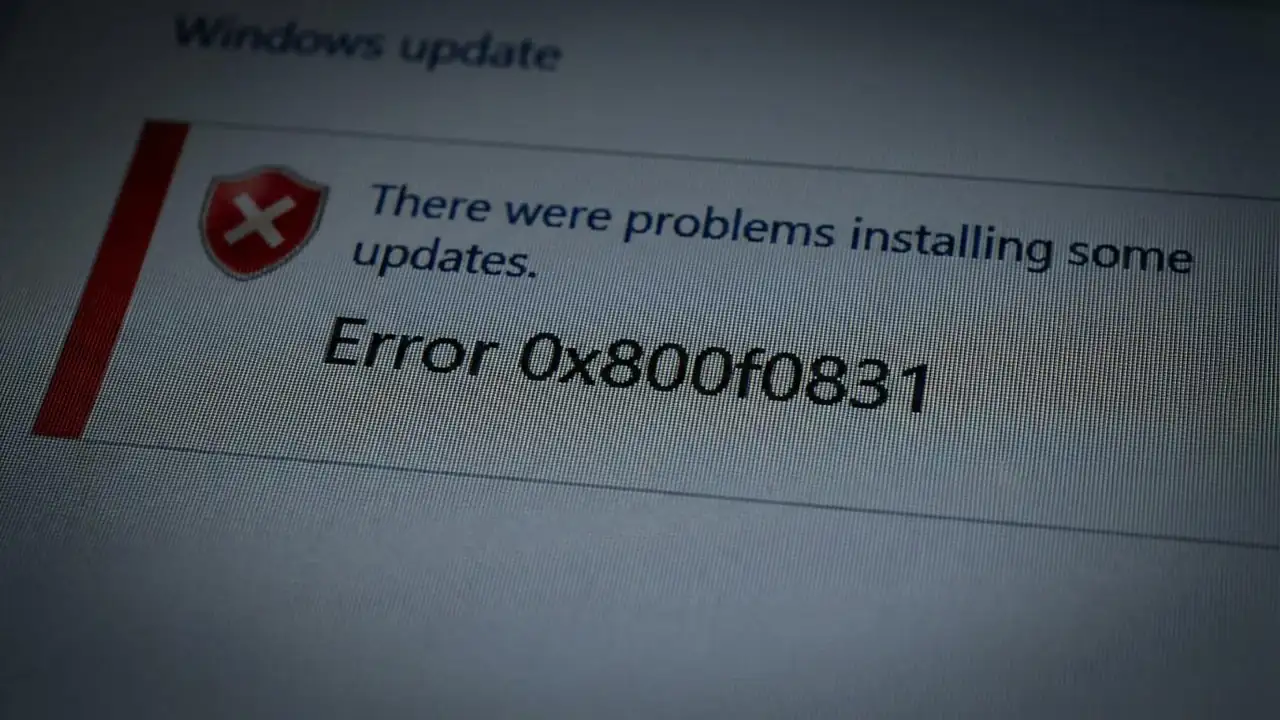
How to Fix 0x800f0831 Windows 10 Update Errors Encountering a persistent update error like 0x800f0831 Windows 10 can be frustrating, especially when trying to keep your system secure and up-to-date. This error, often accompanied by 0x800f0989, typically indicates that essential component store (CBS) files are either missing or corrupted, preventing cumulative updates from installing correctly on Windows 10 or even leading to an erreur d'installation 0x800f0831 windows 11. Resolving this issue is crucial for system stability and security. These update failures can manifest after a failed update attempt, during a major version upgrade, or even with regular monthly patches for 0x800f0831 windows 10 22h2. The underlying cause usually relates to the integrity of your Windows system files, w...
kb5074109 Issues: Fix Freezes, Black Screens & Boot Loops

kb5074109 Issues: Fix Freezes, Black Screens & Boot Loops

Drivers & Updates
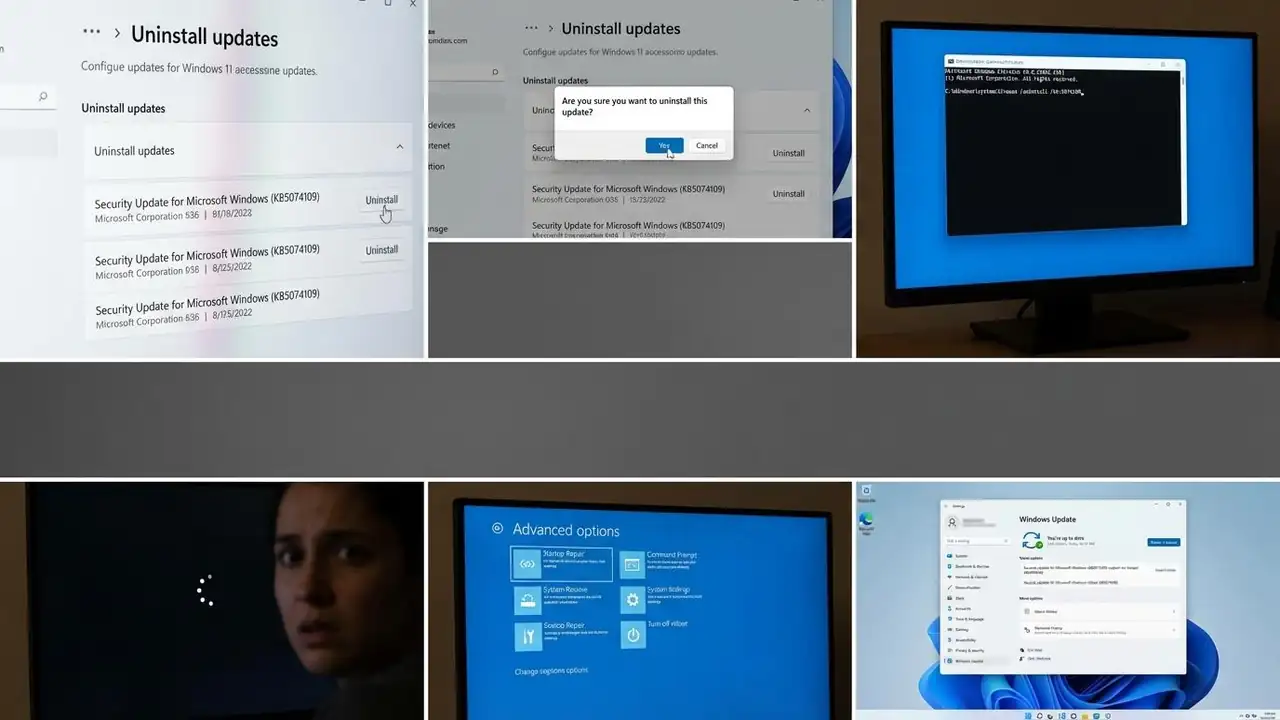
How to Fix kb5074109 Issues on Windows 11 Resolve system freezes, black screens, and boot loops caused by the Windows 11 January 2026 update. The installation of update KB5074109 (January 2026) has unfortunately led to significant malfunctions on some Windows 11 systems. Users are reporting disruptive kb5074109 issues such as complete system freezes during shutdown or restart, alongside troubling black screens and persistent boot loops. These problems can severely impact system usability and stability. Addressing these critical power management and boot-related issues is essential to restore your Windows 11 device to a functional state. This guide outlines practical steps to resolve the disruptions caused by the problematic update, prioritizing the most effective solutions first. Fo...
Windows Update Stuck: Fix Freezing, Restart Loops & More

Windows Update Stuck: Fix Freezing, Restart Loops & More

Drivers & Updates
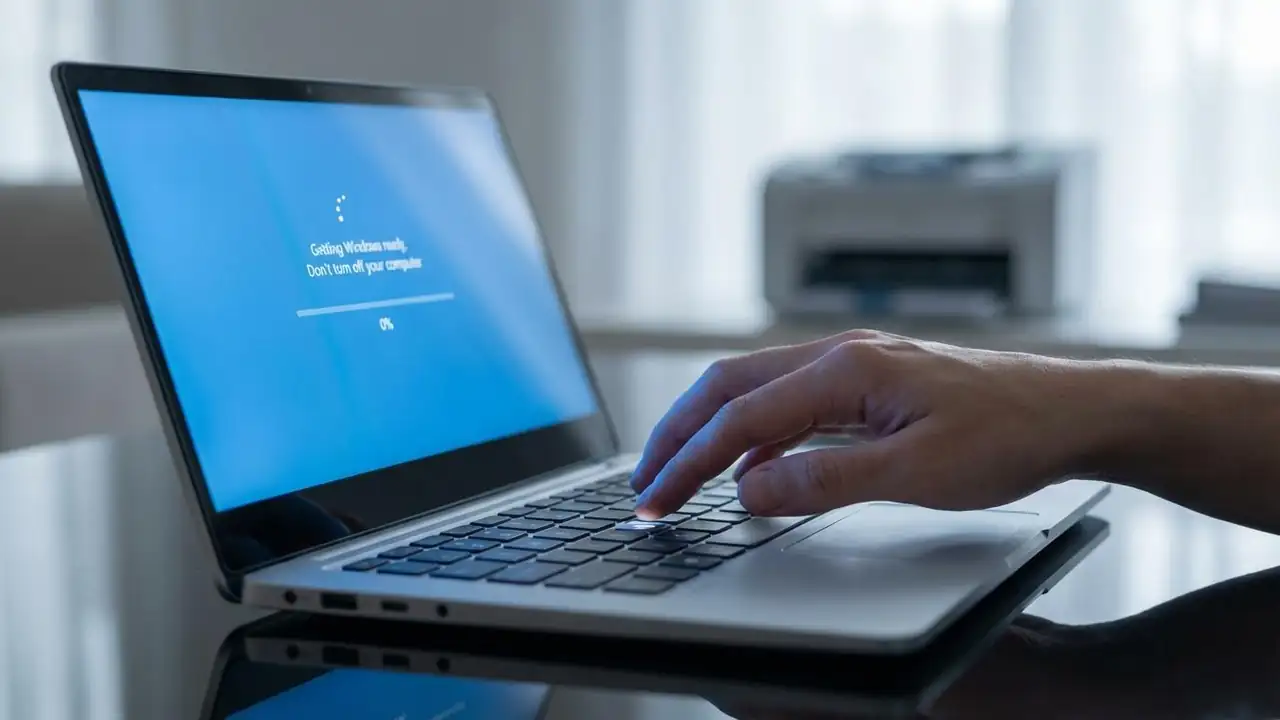
How to Fix a Windows Update Stuck Issue Resolve common freezing and looping problems to get your PC updated. Encountering a windows update stuck screen can be frustrating, especially when your system seems to freeze during crucial operations like "Getting Windows ready, Don't turn off your computer" or when the download progress stalls at 0% or 100%. This common issue prevents your PC from booting properly or completing necessary security and feature updates. Fortunately, several troubleshooting steps can help you resolve a windows update stuck situation and restore your system's functionality. These issues often stem from corrupted update files, insufficient disk space, software conflicts, or interrupted downloads. Addressing these underlying causes systematically is key to success...
🚫
AdBlock Detected!
It looks like you're using an AdBlock extension.
Ads help us provide free, high-quality content.
Please disable your AdBlocker for this website and refresh the page.

How to disable AdBlock:

  1. Click the AdBlock icon in your browser toolbar.
  2. Select "Don't run on this site" or "Pause on this site".
  3. Reload the page using the button below or press F5.
  4. If you still see this message, try temporarily disabling all ad-blocking extensions.