
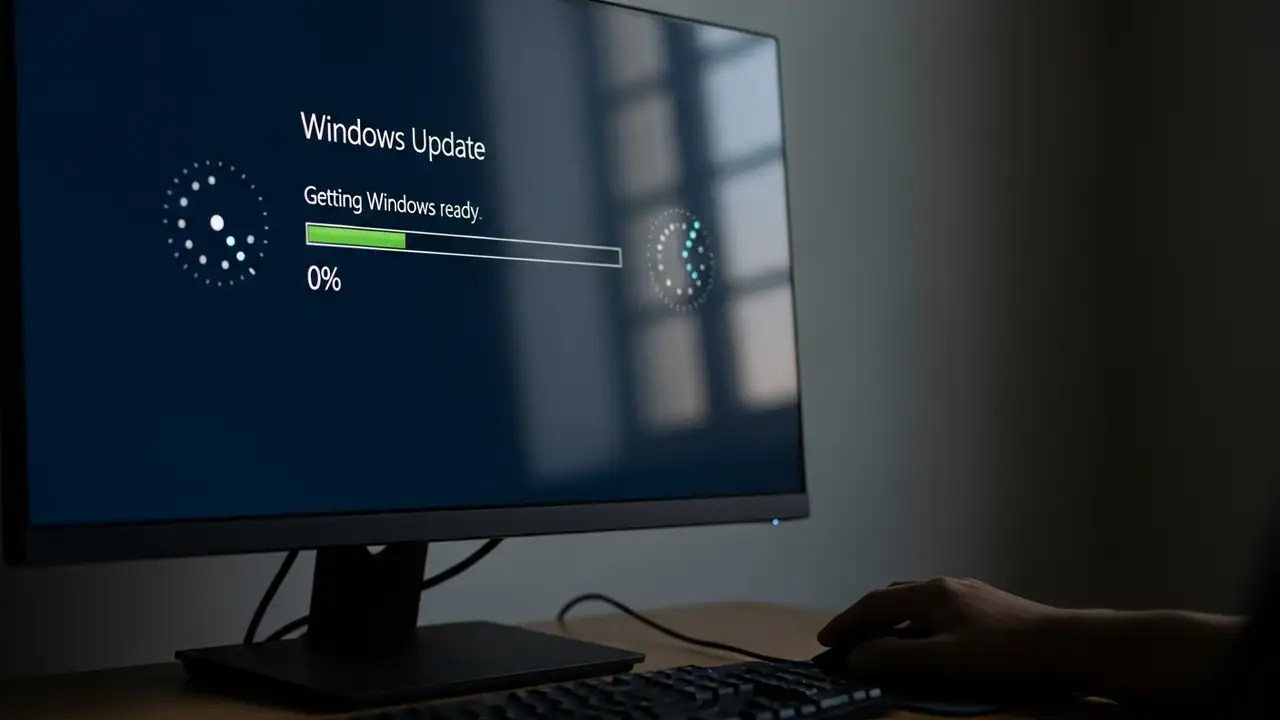
Windows Update stuck: Fix Downloading or Installing Issues
How to Fix Windows Update Stuck on Downloading or Installing
Encountering a Windows Update stuck loop can be a frustrating experience, whether updates are at 0%, 100%, or simply failing to progress. This guide provides comprehensive steps to resolve common issues preventing your Windows 10 or Windows 11 system from properly updating.
When your system is experiencing a Windows Update stuck problem, it often means the process has halted, not downloading or installing critical updates. This can lead to your computer becoming unresponsive or caught in a pending install state. Resolving this typically involves a series of diagnostic and repair actions, from simple reboots to more involved system utility usage.
Initial Steps to Resolve Windows Update Stuck
Before diving into complex troubl...