
Blog

Your blog category

Mouse and keyboard not working: Fix Windows 11 startup issues

Mouse and keyboard not working: Fix Windows 11 startup issues

USB & Devices, Blog
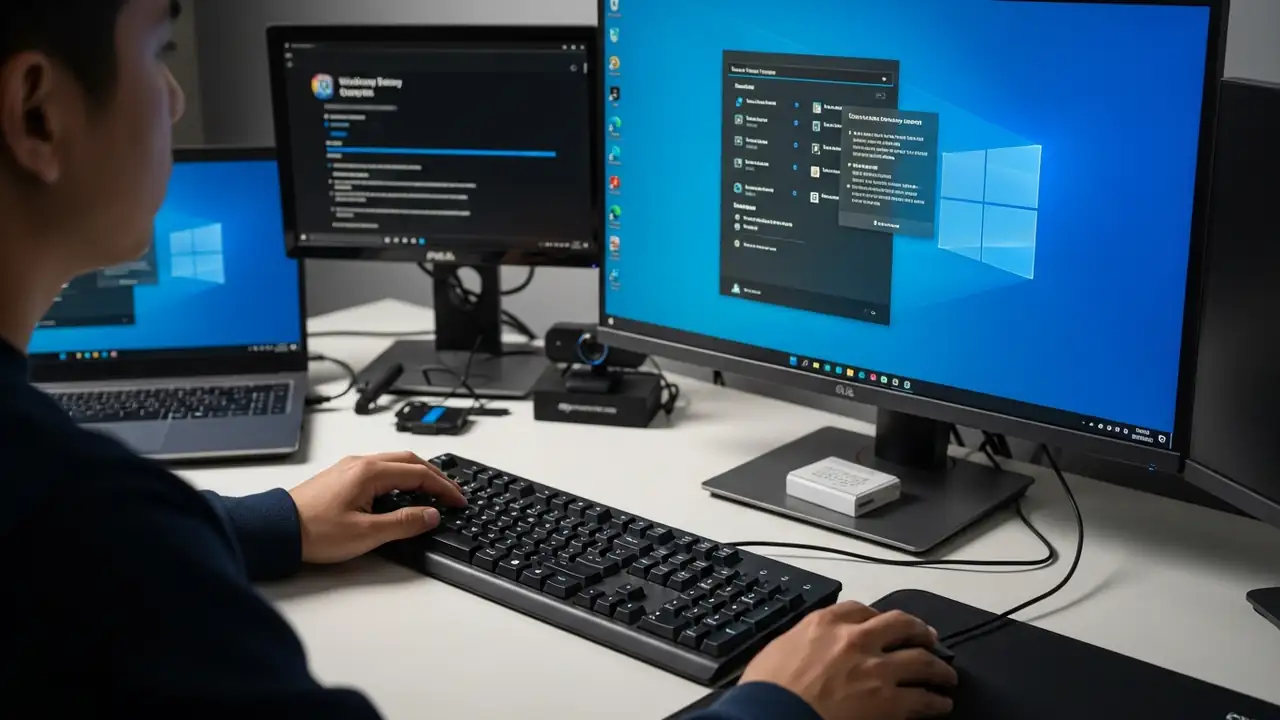
How to Fix Your Mouse and Keyboard Not Working in Advanced Startup Experiencing unresponsive input devices during critical system troubleshooting can be highly frustrating. This guide offers practical solutions when your USB mouse and keyboard not working in Windows Recovery Environment (WinRE) or advanced startup options on Windows 11, especially if they function correctly within your computer's BIOS. This issue often prevents users from navigating essential recovery menus or running diagnostic tools. It can stem from various causes, including insufficient driver support in the limited recovery environment, specific system settings, or even recent software updates. By following these steps, you can regain control of your peripherals and effectively resolve underlying system problems. ...
Laptop Overheating: Fixes for a Cooler, Faster PC

Laptop Overheating: Fixes for a Cooler, Faster PC

Overheating, Blog
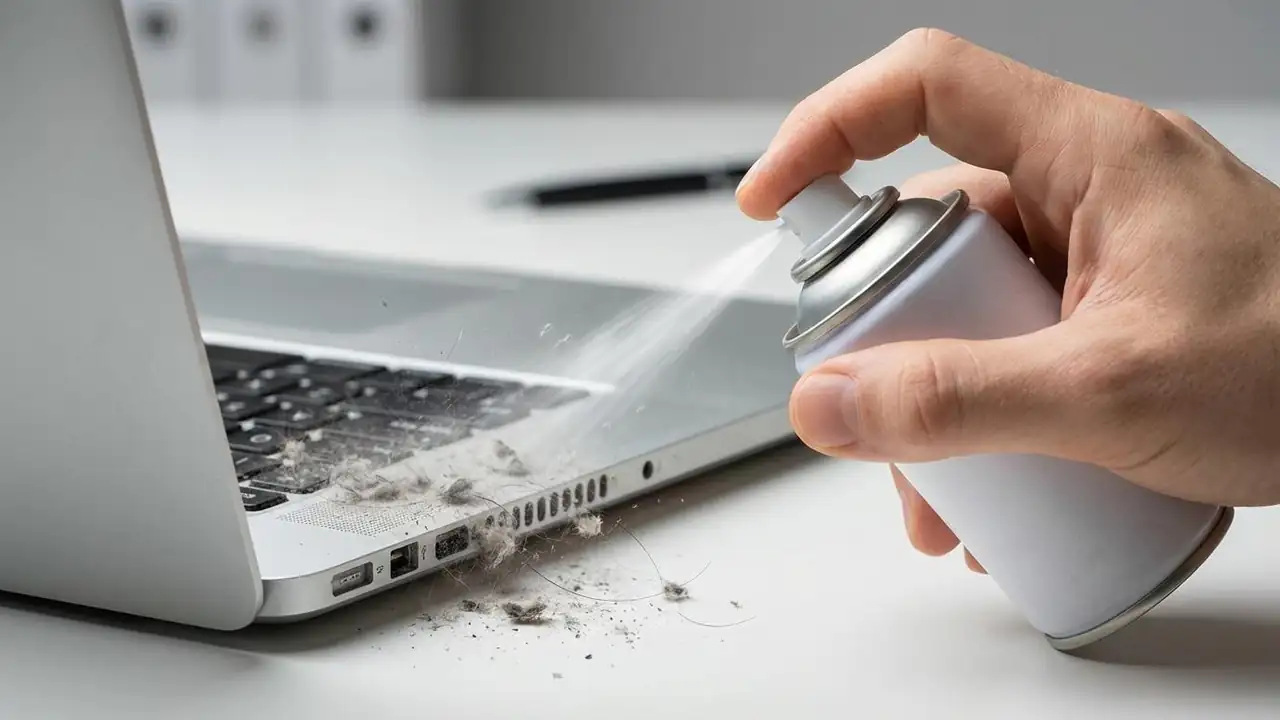
How to Fix Your Laptop Overheating Keep your device cool and prevent damage from excessive heat. If your laptop is experiencing laptop overheating, it's more than just an inconvenience; it can lead to reduced performance, system instability, and even permanent hardware damage. A laptop that runs too hot often slows down dramatically, or in severe cases, experiences a sudden laptop overheating and shutting down incident to protect its internal components. Understanding the underlying causes and implementing effective solutions is crucial for maintaining your device's health and longevity. Addressing laptop overheating involves a combination of environmental adjustments, physical maintenance, and software optimization. These steps are designed to improve heat dissipation, ensure effic...
🚫
AdBlock Detected!
It looks like you're using an AdBlock extension.
Ads help us provide free, high-quality content.
Please disable your AdBlocker for this website and refresh the page.

How to disable AdBlock:

  1. Click the AdBlock icon in your browser toolbar.
  2. Select "Don't run on this site" or "Pause on this site".
  3. Reload the page using the button below or press F5.
  4. If you still see this message, try temporarily disabling all ad-blocking extensions.