Author: Olivia Parker

Olivia writes about iPhone and Mac fixes: iCloud sync, battery health, storage issues, Wi-Fi/Bluetooth bugs, and system updates—focused on clean, low-risk solutions.

Android March 2026 security patch: Bulletin & QPR3 Guide

Android March 2026 security patch: Bulletin & QPR3 Guide

System Updates
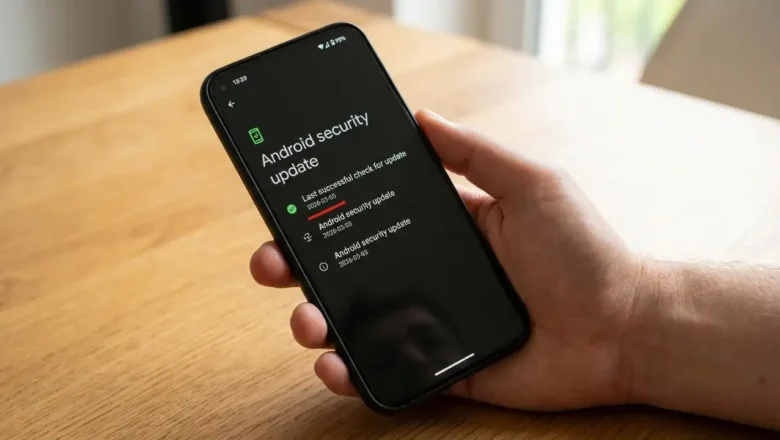
Understanding the Android March 2026 security patch The latest details on the security bulletin and the Android 16 QPR3 release cycle. Google has officially released the March 2026 Android Security Bulletin, marking a significant update for the mobile ecosystem. This release includes the Android March 2026 security patch, which arrives alongside the deployment of Android 16 QPR3. These updates are designed to maintain system integrity and resolve specific software weaknesses that were identified in the previous development cycles. System stability depends on the consistent application of these monthly releases. The Android March 2026 security patch represents the primary defensive measure for users during this period. Because this update coincides with a Quarterly Platform Release (...
Windows Update stuck: Fix Downloading or Installing Issues

Windows Update stuck: Fix Downloading or Installing Issues

Drivers & Updates, Drivers
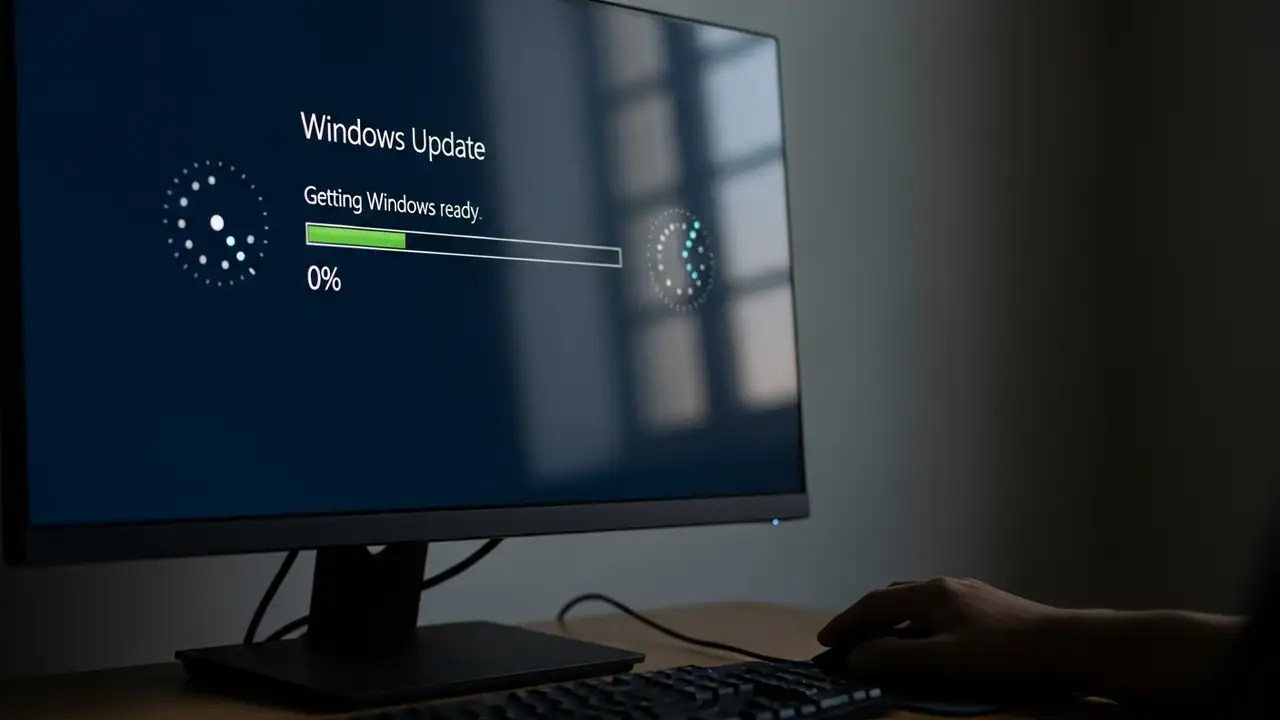
How to Fix Windows Update Stuck on Downloading or Installing Encountering a Windows Update stuck loop can be a frustrating experience, whether updates are at 0%, 100%, or simply failing to progress. This guide provides comprehensive steps to resolve common issues preventing your Windows 10 or Windows 11 system from properly updating. When your system is experiencing a Windows Update stuck problem, it often means the process has halted, not downloading or installing critical updates. This can lead to your computer becoming unresponsive or caught in a pending install state. Resolving this typically involves a series of diagnostic and repair actions, from simple reboots to more involved system utility usage. Initial Steps to Resolve Windows Update Stuck Before diving into complex troubl...
DNS server not responding Windows 11: 4 Quick Fixes

DNS server not responding Windows 11: 4 Quick Fixes

DNS & Connectivity Fixes
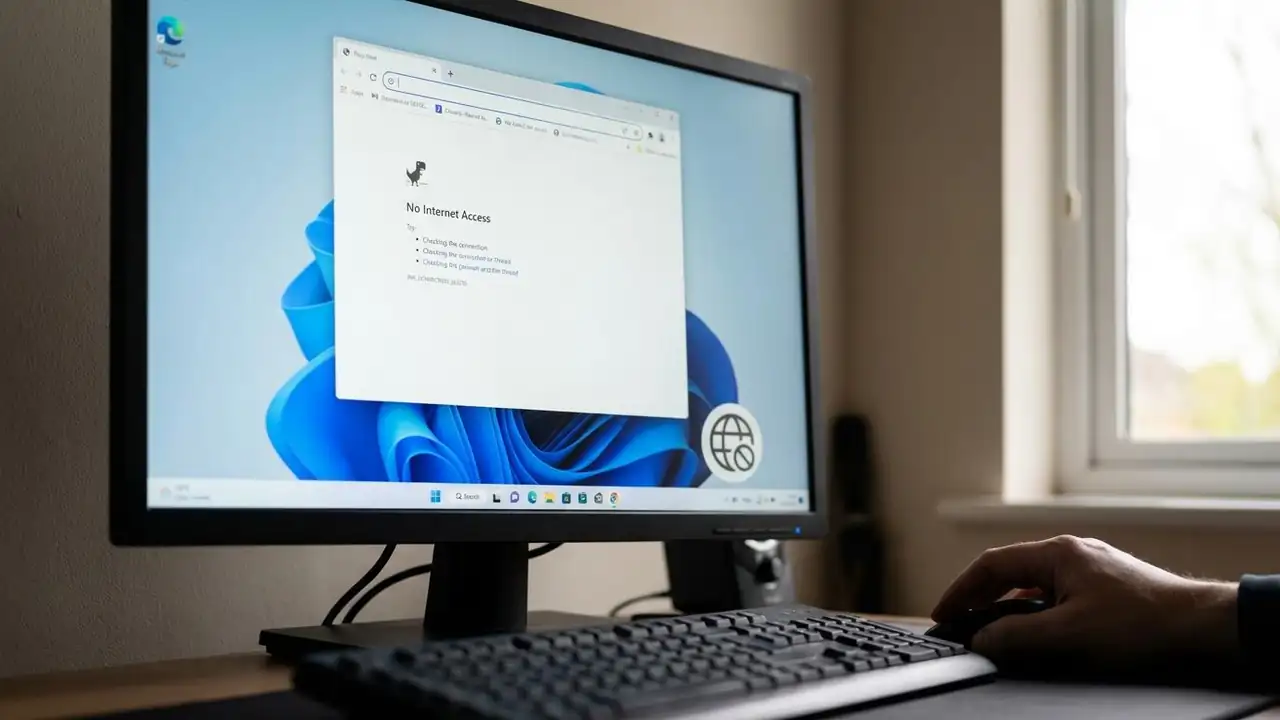
How to Fix DNS server not responding Windows 11 Resolve internet connectivity issues with these essential troubleshooting steps for your Windows 11 PC. Encountering the "DNS server not responding Windows 11" error can be frustrating, often preventing you from accessing the internet despite your Wi-Fi or Ethernet connection appearing active. This common issue indicates a problem with how your computer translates website names into IP addresses, a critical step for online communication. Fortunately, most instances of DNS server not responding Windows 11 can be resolved quickly using straightforward methods. This guide provides a series of effective solutions to get your Windows 11 system back online. We'll start with the simplest checks and move to more in-depth network adjustments, h...
Laptop Overheating: Fixes for a Cooler, Faster PC

Laptop Overheating: Fixes for a Cooler, Faster PC

Overheating, Blog
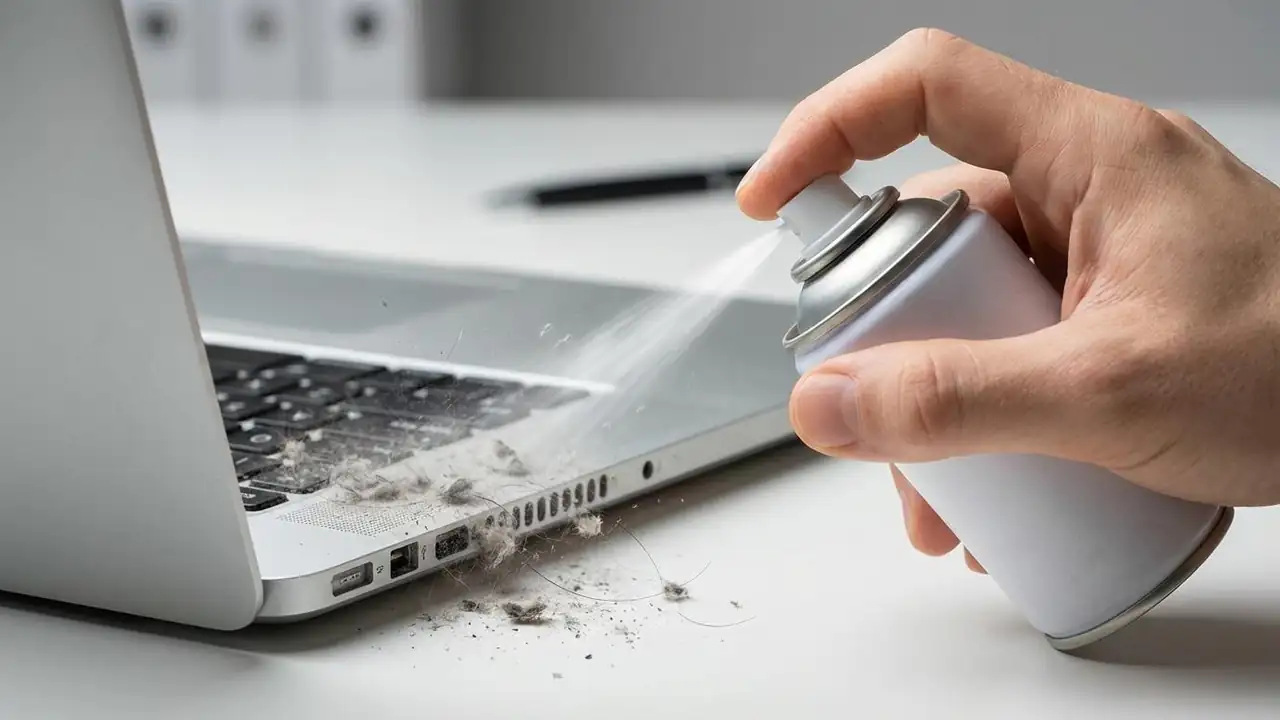
How to Fix Your Laptop Overheating Keep your device cool and prevent damage from excessive heat. If your laptop is experiencing laptop overheating, it's more than just an inconvenience; it can lead to reduced performance, system instability, and even permanent hardware damage. A laptop that runs too hot often slows down dramatically, or in severe cases, experiences a sudden laptop overheating and shutting down incident to protect its internal components. Understanding the underlying causes and implementing effective solutions is crucial for maintaining your device's health and longevity. Addressing laptop overheating involves a combination of environmental adjustments, physical maintenance, and software optimization. These steps are designed to improve heat dissipation, ensure effic...
🚫
AdBlock Detected!
It looks like you're using an AdBlock extension.
Ads help us provide free, high-quality content.
Please disable your AdBlocker for this website and refresh the page.

How to disable AdBlock:

  1. Click the AdBlock icon in your browser toolbar.
  2. Select "Don't run on this site" or "Pause on this site".
  3. Reload the page using the button below or press F5.
  4. If you still see this message, try temporarily disabling all ad-blocking extensions.