Author: Alex Turner

Alex writes step-by-step phone repair guides—charging issues, battery drain, overheating, and common Android/iPhone fixes. Practical troubleshooting first, parts replacement only when needed.

external hard drive not showing Mac: Fixes & Troubleshooting

external hard drive not showing Mac: Fixes & Troubleshooting

Hard Drive / SSD Issues
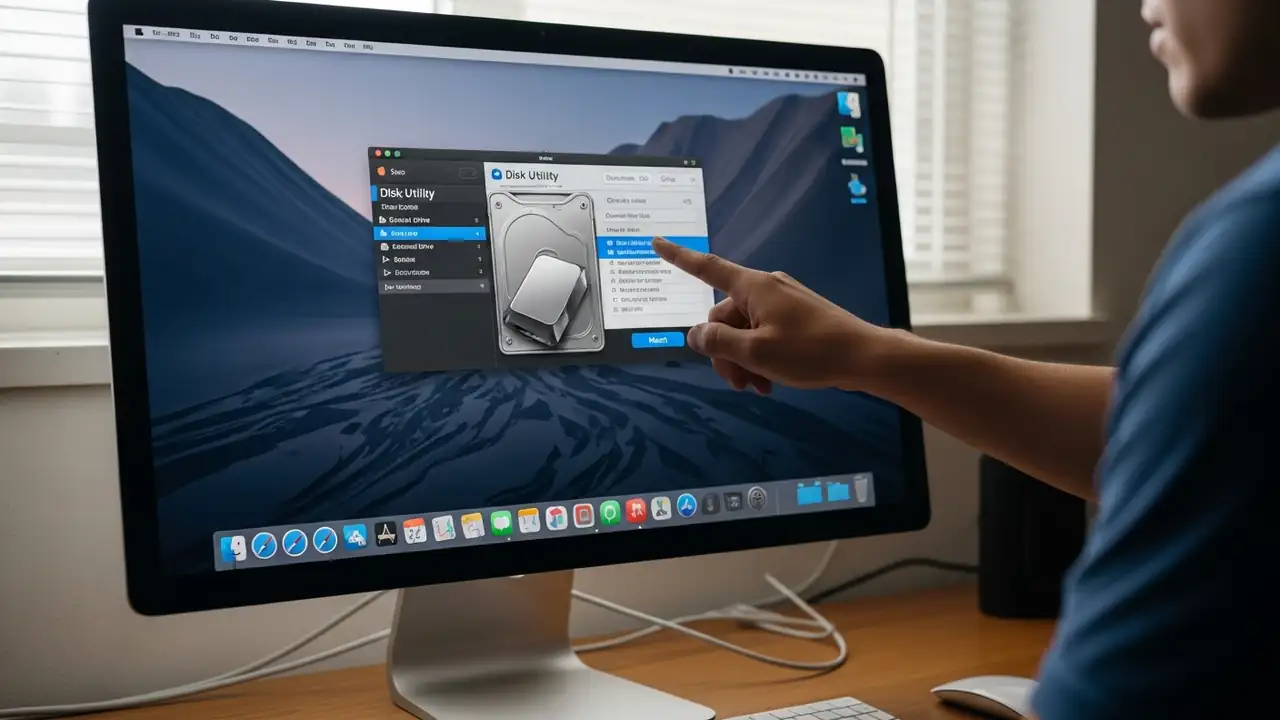
How to Fix an external hard drive not showing Mac Resolve common issues preventing your external storage from appearing on macOS. Encountering an external hard drive not showing Mac can be frustrating, whether you're using a traditional hard disk drive (HDD), a solid-state drive (SSD), or a standard USB flash drive. This guide outlines a series of steps to diagnose and resolve instances where your Mac doesn't detect or mount your external storage devices. We'll cover initial checks, system utility troubleshooting, and advanced solutions to help get your drive recognized and accessible. Initial Troubleshooting for external hard drive not showing Mac When your Mac fails to detect an external drive, begin with fundamental checks to rule out simple connectivity issues or software glitche...
Google Pixel Latest Update Problems: Fix Wi-Fi, Bluetooth, Camera

Google Pixel Latest Update Problems: Fix Wi-Fi, Bluetooth, Camera

System Updates
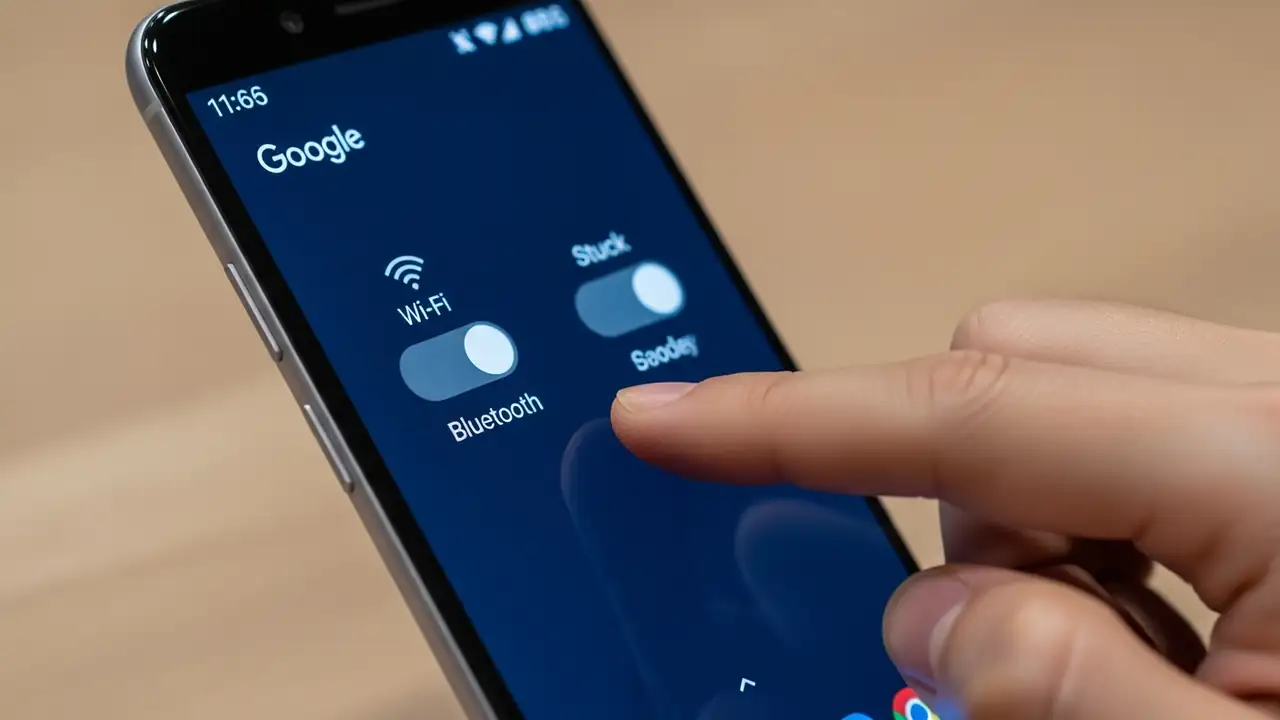
Fixing Your Google Pixel Latest Update Problems Address critical Wi-Fi, Bluetooth, and Camera app failures after the January 2026 patch. Users of Google Pixel devices, particularly owners of the Pixel 10 and Pixel 8 series, are encountering significant google pixel latest update problems following the installation of the January 2026 security patch. This system update introduces critical bugs that prevent Wi-Fi and Bluetooth features from activating, alongside persistent crashes in the Camera application. Standard troubleshooting steps, such as performing a factory reset, frequently fail to correct these deep-seated software malfunctions. This guide outlines verified solutions and temporary workarounds to help restore your device's functionality. Identifying Google Pixel Latest Update...
Windows 11 January 2026 Update Issues: Fix Boot Failures

Windows 11 January 2026 Update Issues: Fix Boot Failures

Boot & Startup Issues
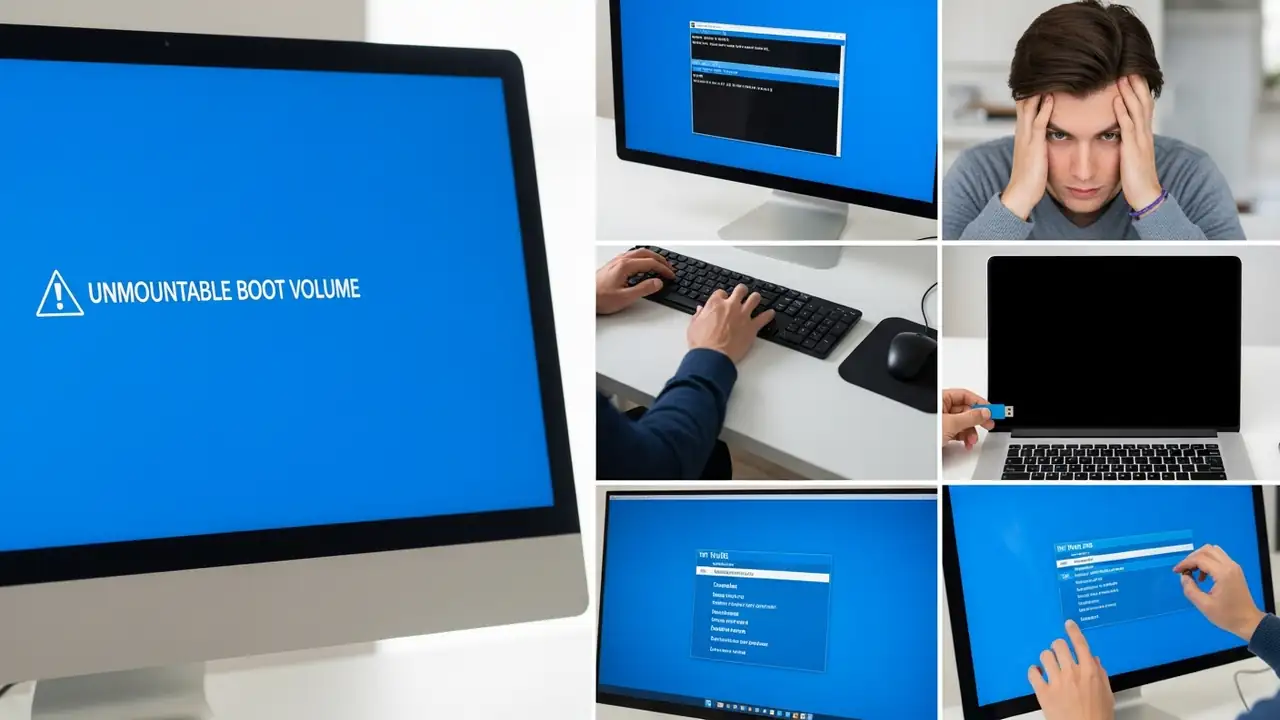
Fix Windows 11 January 2026 Update Issues & Boot Failures Resolving "UNMOUNTABLE BOOT VOLUME" and black screen problems after recent updates. Many Windows 11 users have reported critical Windows 11 January 2026 Update Issues, specifically encountering an "UNMOUNTABLE BOOT VOLUME" error accompanied by a black screen. This issue often occurs immediately after installing the January 2026 security update (KB5074109) and later updates, preventing PCs from booting correctly. Microsoft has acknowledged these boot failures, making a kb5074109 fix a priority for affected users. This guide provides comprehensive steps to recover your system and address these persistent windows update kb5078127 or similar update-related problems. The primary symptom is your PC failing to start, displaying ...
🚫
AdBlock Detected!
It looks like you're using an AdBlock extension.
Ads help us provide free, high-quality content.
Please disable your AdBlocker for this website and refresh the page.

How to disable AdBlock:

  1. Click the AdBlock icon in your browser toolbar.
  2. Select "Don't run on this site" or "Pause on this site".
  3. Reload the page using the button below or press F5.
  4. If you still see this message, try temporarily disabling all ad-blocking extensions.