
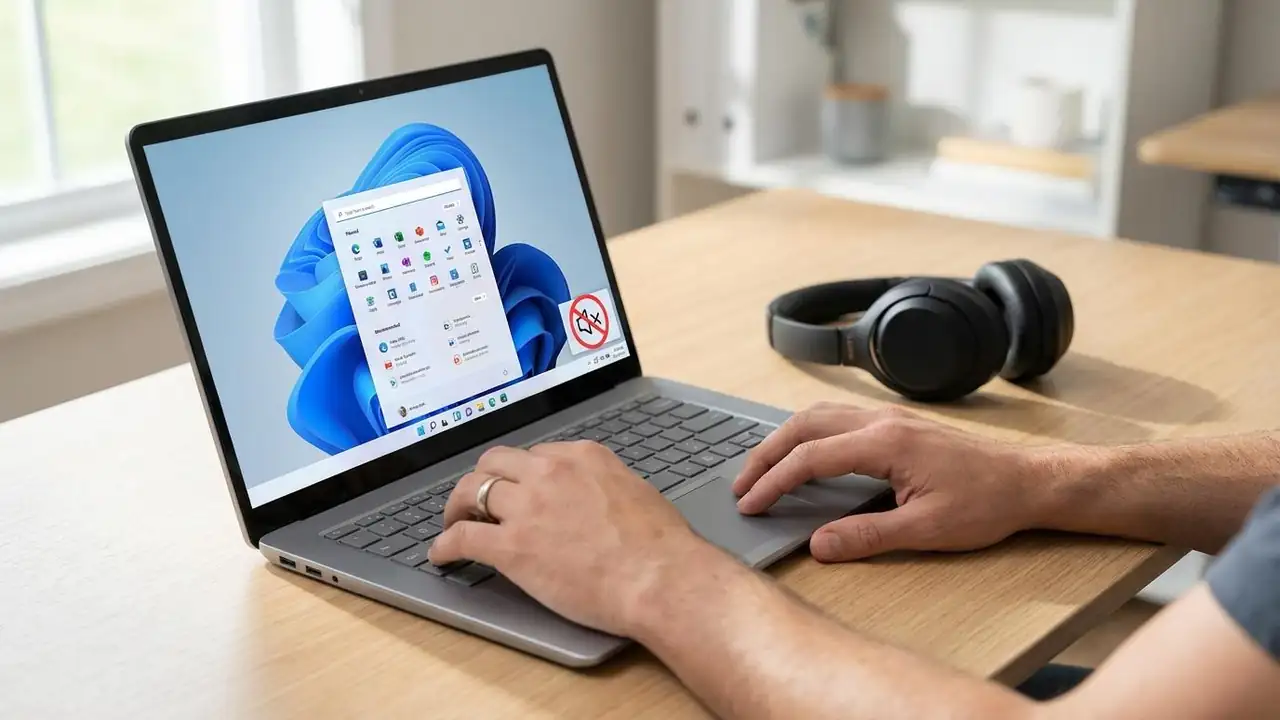
No Sound Windows 11? Fix Audio Issues Fast!
Fix Your No Sound Windows 11 Issue Today
Restore audio quickly on your Windows 11 PC with these straightforward troubleshooting steps.
Experiencing no sound Windows 11 can be frustrating, especially when you need your computer for work, entertainment, or communication. This common issue can stem from various sources, ranging from simple muted settings or disconnected cables to more complex driver problems or system glitches. Fortunately, most audio problems on Windows 11 can be resolved with a series of logical checks and fixes.
This guide will walk you through a detailed troubleshooting process, starting with basic inspections and progressing to more advanced solutions like updating drivers or restarting audio services. By following these steps, you can systematically diagnose and ...