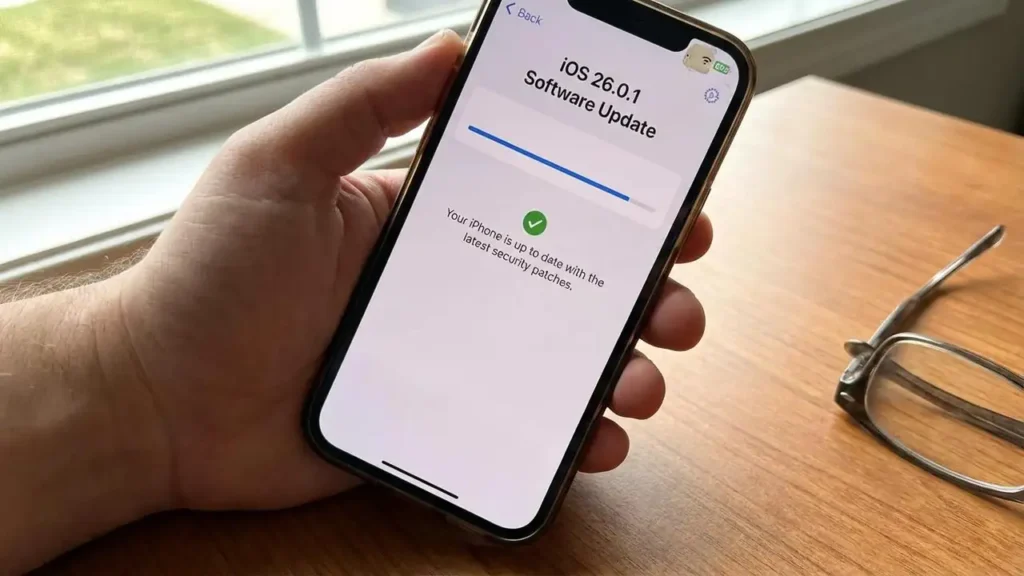
Is iOS 26.0.1 Safe or Not?
iOS 26.0.1 is generally a safe update for most users. It is not a feature-heavy release built to introduce a lot of new changes. Instead, it is a corrective update that Apple positioned around bug fixes and security updates, which usually makes it a lower-risk install than a major first-release jump. Apple says iOS 26.0.1 includes important bug fixes and security updates, and it specifically lists fixes for intermittent Wi-Fi and Bluetooth disconnections on some iPhone 17 models, a cellular-network issue affecting a small number of users after updating to iOS 26, and certain photo artifacts under specific lighting conditions on some newer models. Apple also published security content for the release, including a FontParser memory-corruption fix.
That means the short answer is yes: for most people, iOS 26.0.1 is safe and worth installing, especially if you care about stability and security. But that does not mean every user must install it the second it appears. There are still a few sensible reasons some people choose to wait briefly before updating, and those reasons are mostly about short-term convenience rather than serious danger.
Why iOS 26.0.1 is generally a safe update
Point updates like this are usually safer than major version jumps because they are designed to correct early problems instead of introducing a large wave of new system behavior. That is exactly how iOS 26.0.1 looks. Apple’s release notes describe it as a bug-fix and security update, not a redesign of the experience. The problems it targets are practical and real-world: wireless drops, post-update cellular connection issues for some users, and camera artifacts on certain supported models.
The security side matters too. Apple published a security note for iOS 26.0.1 showing that the release addresses a FontParser vulnerability that could lead to unexpected app termination or corrupt process memory when processing a maliciously crafted font. When a point release includes both user-facing bug fixes and a documented security patch, that is usually a strong sign that installing it is the safer choice than staying behind.
So if your main question is whether the update is dangerous in a general sense, the evidence points the other way. It is a maintenance release meant to improve reliability, not one widely flagged by Apple as unstable.
Why some users still prefer to wait
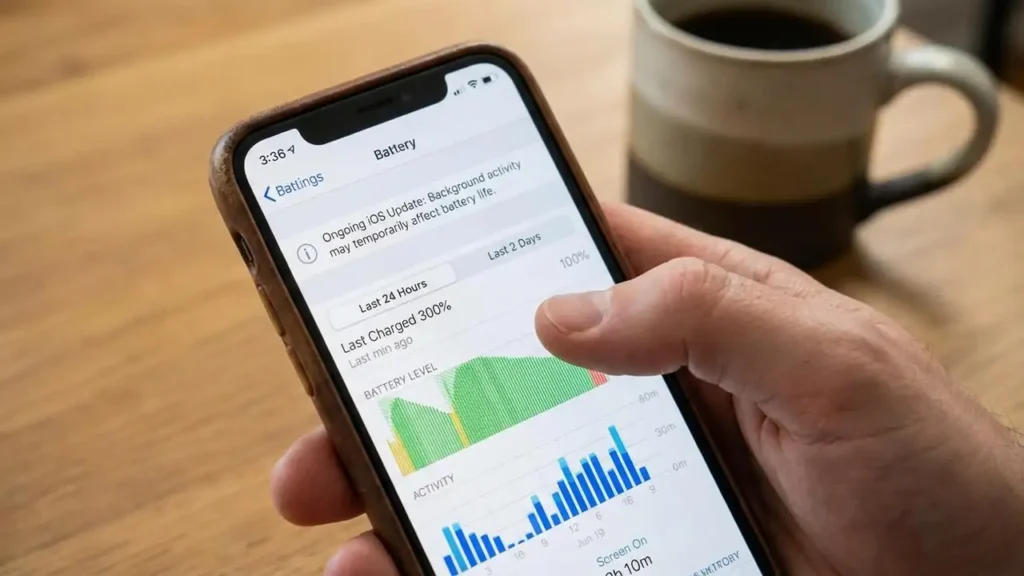
Even when an update is safe overall, some users delay it for practical reasons. The biggest one is battery behavior right after installation. Apple says that after updating, certain tasks continue in the background and can temporarily affect battery life and thermal performance. In Battery settings, users may even see an “Ongoing iOS Update” insight while those background tasks are still finishing. Apple’s own advice is simple: if battery life seems worse after an update, wait a few days and check again.
That does not mean iOS 26.0.1 is unsafe. It means short-term battery drain after updating can be normal. For users who depend on maximum battery life every day, such as people traveling, working long shifts, or using an older iPhone with already reduced battery health, it can be reasonable to wait briefly before installing any update if immediate endurance matters more than getting fixes right away.
Another reason to delay slightly is workflow stability. If you rely on a specific banking app, business app, or accessory setup and cannot tolerate even a small disruption, some caution is understandable. Apple does not frame iOS 26.0.1 as problematic, but cautious users often prefer to wait a short time simply to see whether their essential apps and routines remain unaffected. That is more about risk management than fear of the update itself.
Who should install iOS 26.0.1 sooner rather than later
If you are on a device affected by one of the listed fixes, updating makes even more sense. Apple specifically says iOS 26.0.1 addresses occasional Wi-Fi and Bluetooth disconnections on iPhone 17, iPhone Air, and iPhone 17 Pro models. It also addresses a post-update cellular issue affecting a small number of users and a camera-artifact issue under certain lighting conditions on the same newer iPhone models. For users dealing with any of those problems, waiting has less upside because the update exists to correct exactly those issues.
Users who prioritize security should also lean toward installing it. Once Apple publishes security content for a release, the update is no longer just optional polish. It becomes part of staying current with Apple’s recommended security posture. That does not mean older versions immediately become unsafe overnight, but it does mean iOS 26.0.1 is the more secure position than remaining on the initial 26.0 build.
When waiting can make sense
There are still cases where holding off briefly is reasonable. If your phone is currently stable, battery life is already borderline, and you are about to travel or rely on your device heavily for work, waiting a couple of days to see how the release is received can be a sensible choice. The same applies if you are extremely sensitive to heat, temporary battery dips, or minor performance fluctuations right after updates.
The key point is this: waiting briefly is not the same as avoiding the update entirely. Apple’s own battery guidance suggests that some post-update battery complaints are temporary because the device may still be finishing update-related work in the background. So the decision is often not “safe or dangerous,” but rather “install now or install soon after a short observation window.”
The most balanced answer
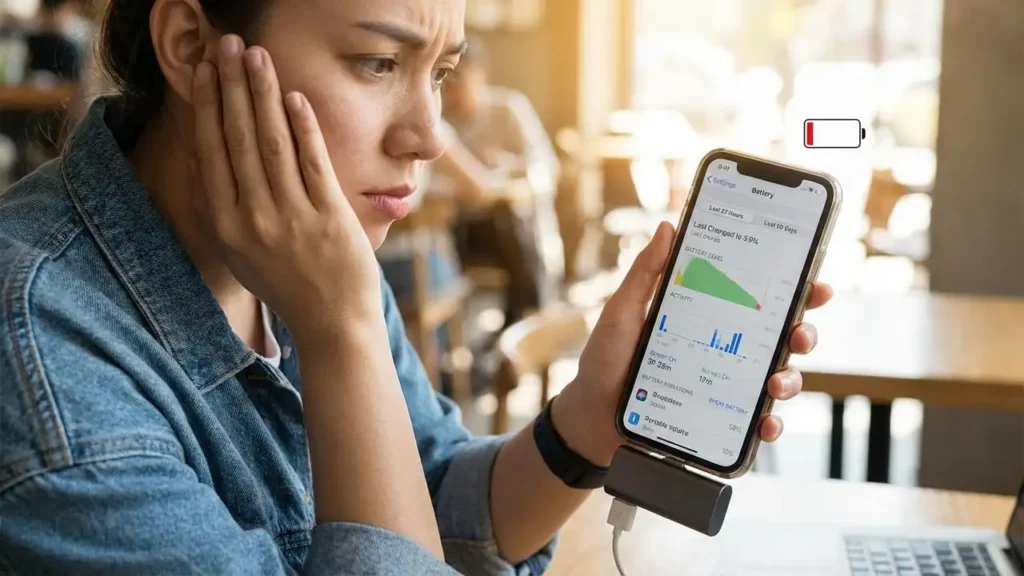
The most accurate view is that iOS 26.0.1 is generally safe, recommended, and more beneficial than risky for most users, especially because it combines bug fixes with a documented security fix. The main reason to delay is not fear of a broken update, but a preference to avoid short-term inconvenience such as temporary battery drain or background optimization right after installation.
If your iPhone is already running well and you do not urgently need the listed fixes, a short wait is understandable. But if you want the safer long-term position, especially from a security and stability standpoint, iOS 26.0.1 is the better version to be on than iOS 26.0.
Frequently Asked Questions
If you want the clearest conclusion, it is this: iOS 26.0.1 is safe for most users, and the stronger argument is usually to install it rather than skip it. The only real reason to hold off is short-term caution about battery behavior or workflow stability, not because the update itself looks broadly unsafe.