Understanding the Android March 2026 security patch
The latest details on the security bulletin and the Android 16 QPR3 release cycle.
Google has officially released the March 2026 Android Security Bulletin, marking a significant update for the mobile ecosystem. This release includes the Android March 2026 security patch, which arrives alongside the deployment of Android 16 QPR3. These updates are designed to maintain system integrity and resolve specific software weaknesses that were identified in the previous development cycles.
System stability depends on the consistent application of these monthly releases. The Android March 2026 security patch represents the primary defensive measure for users during this period. Because this update coincides with a Quarterly Platform Release (QPR), the package often includes a combination of security hardening and functional adjustments for the underlying operating system.
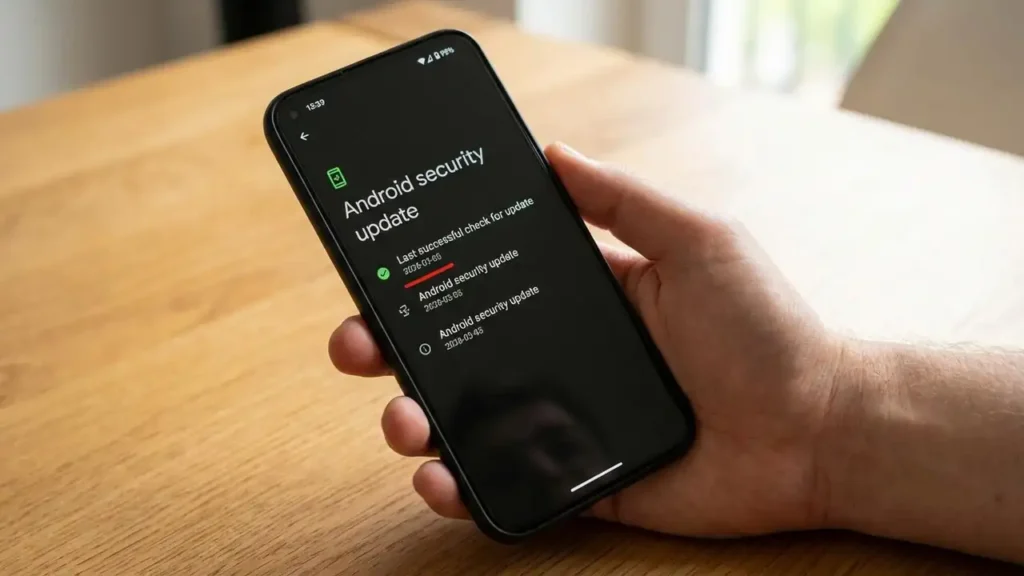
When you check your system settings, you will notice a specific date associated with your security status. The March release cycle utilizes two distinct tiers of protection. Understanding how these levels differ is essential for verifying that your device has received the full suite of protections intended for this month.
What the Android March 2026 security patch Resolves
The primary goal of this update is to resolve vulnerabilities that affect different layers of the Android stack. According to the March 2026 Android Security Bulletin, there are two main patch levels used to categorize these fixes. The 2026-03-01 patch level typically addresses core Android framework issues that are common across all supported devices. This initial tier provides a baseline of protection for the most critical system components.
However, the 2026-03-05 patch level is more comprehensive. Google indicates that the 2026-03-05 level addresses all issues listed in that month’s bulletin. This includes the framework fixes found in the earlier level plus additional patches for kernel components and vendor-specific drivers. If your device displays the 2026-03-05 date, it confirms that every vulnerability documented for the month has been mitigated on your hardware.
If your device remains on a previous month’s level, it is not protected against the specific threats identified in the March bulletin. The Android March 2026 security patch is required to close these gaps. Manufacturers prioritize different components during the rollout, but reaching the 2026-03-05 level is the final target for complete monthly compliance.
Identifying the Android March 2026 security patch Levels
To verify your current protection status, you must navigate to the system information section of your device settings. Look for the “Android security update” or “Security patch level” entry. If the date shown is 2026-03-01, you have the initial set of framework fixes. If the date shown is 2026-03-05, your device has successfully applied the full Android March 2026 security patch suite.
Understanding how patch levels work helps you determine if your hardware manufacturer has integrated the necessary kernel and driver updates. The 2026-03-05 level is the definitive indicator of a fully patched system for this specific bulletin. If you are still seeing an older year or month, the update has not yet reached your specific handset.
Managing Your Android March 2026 security patch Update
The rollout of the Android March 2026 security patch does not happen simultaneously for every user. Google initiates the process, but the final delivery depends on several factors, including your device manufacturer and your mobile carrier. Some users receive updates later than others because carriers must perform additional testing to ensure network compatibility before authorizing the download.
During this period, Android 16 QPR3 also rolled out to eligible devices. This complicates the update schedule slightly, as QPR releases are larger and contain more substantial system changes than a standard monthly security update. If your device is part of the Android 16 QPR3 rollout, the security fixes are typically bundled within that larger platform update.
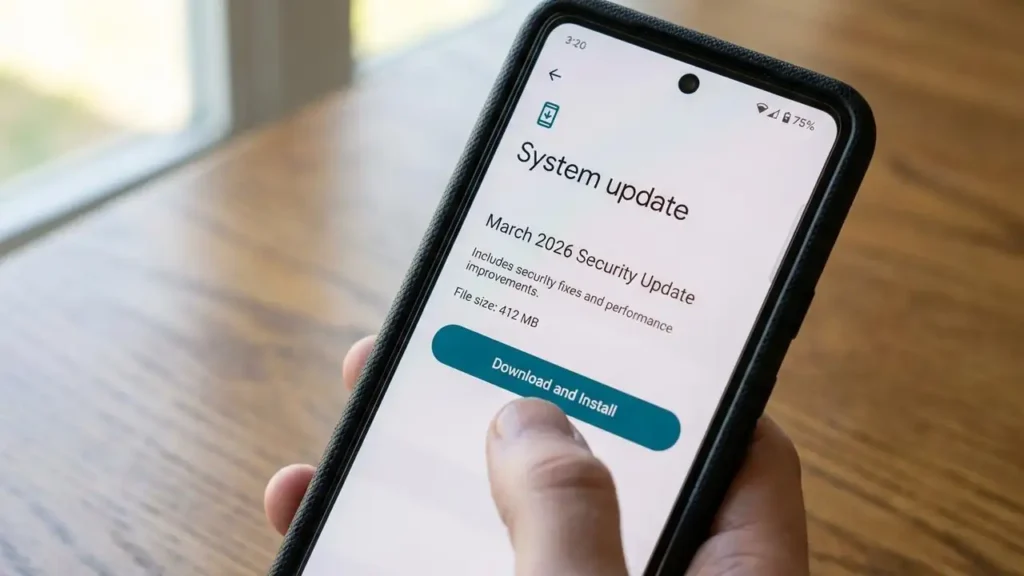
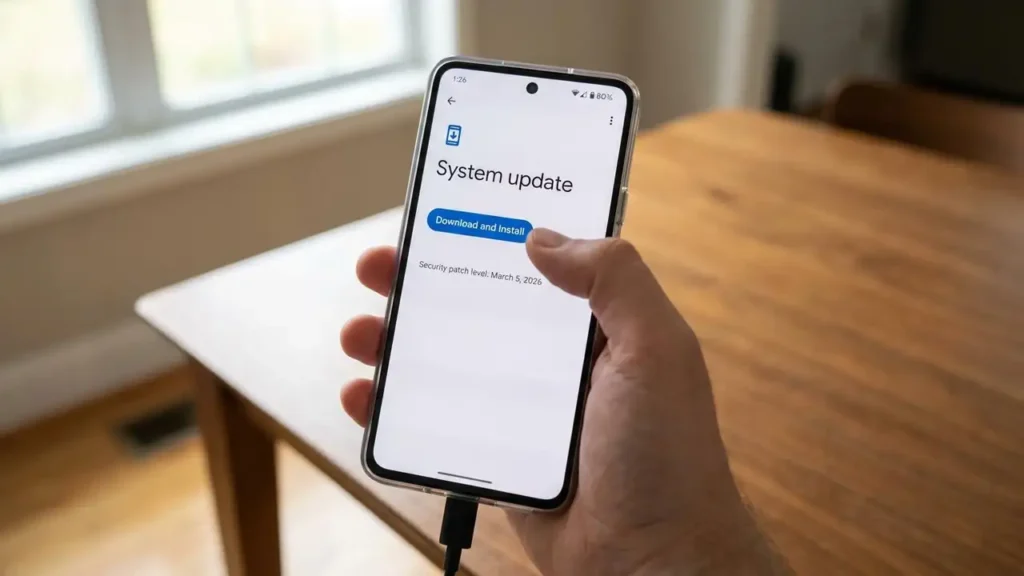
To ensure you receive the Android March 2026 security patch as soon as it is available for your model, keep your device connected to Wi-Fi and ensure the battery is sufficiently charged. You can manually trigger a check by visiting the system update menu. If the update is pending, follow the on-screen instructions to download and restart your device to finalize the installation.
How Patch Levels Protect Your Device
Security bulletins are structured to provide clarity on which parts of the system are being updated. The reason for having a 2026-03-01 level and a 2026-03-05 level is to allow manufacturers flexibility. A company might be able to push framework fixes quickly (the 1st) while needing more time to test complex driver or kernel updates (the 5th).
By the time the Android March 2026 security patch reaches the 05 level, the device has achieved full synchronization with Google’s security recommendations. This tiered approach ensures that at least some protections reach users immediately, even if the more complex hardware-specific fixes take a few extra days to finalize.
When you see the 2026-03-05 level, you are looking at a cumulative update. It includes everything from the 2026-03-01 level plus the specific fixes for hardware-level vulnerabilities. This structure is a standard part of how the Android security bulletin operates to keep billions of devices safe from identified exploits.
Installation and Verification Steps
- Open your device Settings and scroll down to the System or About Phone section.
- Locate the menu labeled “System update” or “Software update” and tap it to refresh the status.
- Check if the Android March 2026 security patch is listed as an available download.
- If the update is ready, tap Download and Install. Ensure you have at least 50% battery or are connected to a charger.
- After the device restarts, return to the settings menu to confirm the “Android security update” date.
- Verify that the patch level is 2026-03-05 to ensure all documented vulnerabilities for March are resolved.
If the update fails to appear, your carrier or manufacturer may still be in the testing phase. In these instances, you must wait for the over-the-air (OTA) notification to arrive. Avoid attempting to install unofficial firmware from unverified sources, as this can compromise your device security or void your warranty.
Security Update Best Practices
Always power off or restart your device when prompted by a system update. Failing to restart means the Android March 2026 security patch will not be fully active in the system memory. Updates involve deep changes to the operating system kernel, which require a full reboot to initialize the new, secured code.
Maintain a regular backup of your data before applying any significant update, such as the Android 16 QPR3 release. While security patches are generally small, platform updates involve more data and carry a higher risk of interruption if the power is lost. If you are unsure about the update process, seek assistance from your manufacturer’s official support channels to avoid accidental data loss.
Frequently Asked Questions
Keeping your device current with the Android March 2026 security patch is the most effective way to protect against modern mobile threats. By ensuring your handset reaches the 2026-03-05 patch level, you benefit from the full range of protections defined in the March 2026 Android Security Bulletin. As the Android 16 QPR3 rollout continues, staying informed about these security tiers ensures your data and hardware remain secure.