Understanding Android Wi-Fi Sync for Your Devices
Automatic network credential distribution for your ecosystem hardware.
The arrival of the Android Wi-Fi Sync utility marks a significant shift in how users manage connectivity across multiple pieces of hardware. This functionality streamlines the process of entering long passwords or scanning QR codes for every separate tablet or smartphone you own. Instead of performing a manual setup for each individual piece of equipment, the system handles the credential movement through the cloud backend.
This specific Android Wi-Fi Sync capability launched as part of the broader Google system update rollout. By focusing on a unified experience, the software ensures that once a wireless access point is verified on one unit, it becomes available to other hardware associated with the same identity. This reduces the friction typically involved in moving between home, office, and travel locations where specific wireless settings are necessary.
Capabilities of Android Wi-Fi Sync
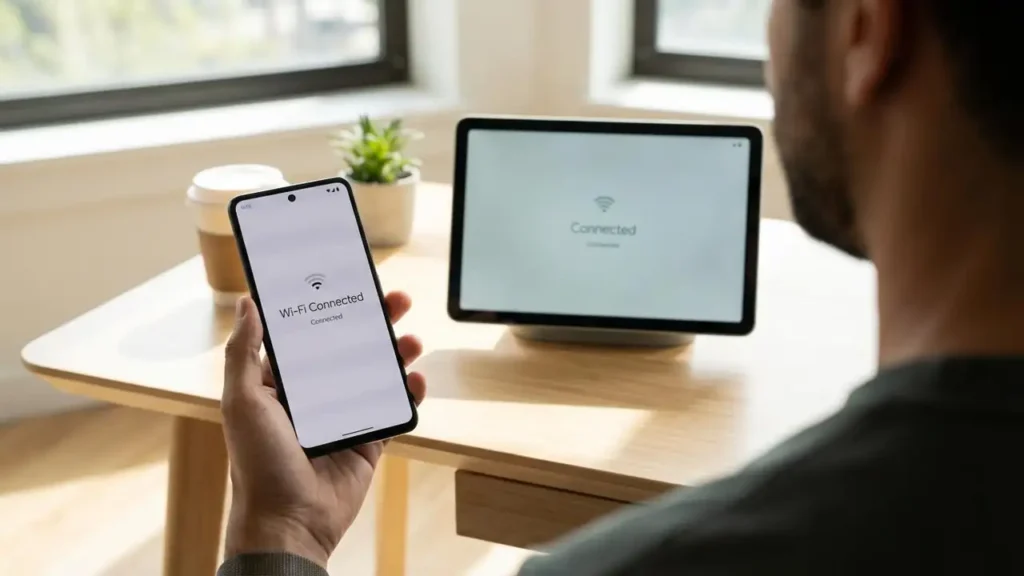
The primary function of Android Wi-Fi Sync is to bridge the connectivity gap within a fleet of hardware. When you connect to a secured wireless router at a friend’s house or a professional workspace, the credentials are saved to your profile. The system then propagates these details to your secondary tablets or other handheld units. This ensures that when you switch from a phone to a tablet, the secondary device is already online without any intervention.
This Android Wi-Fi Sync tool is designed specifically for personal devices, ensuring that your private network data stays within your controlled environment. It transforms the way the Android ecosystem feature manages environmental awareness. Rather than treating each device as an isolated island, the platform views your hardware collection as a single, cohesive network of tools that should all share the same level of access to verified internet sources.
The underlying technology for this feature relies on the Google Play services March 2026 framework. Because this is a system-level integration, it operates in the background without requiring the user to open specific applications to trigger the data movement. As long as the hardware is part of your verified group, the synchronization occurs seamlessly whenever a new network is added or an existing one is modified.
Identifying the Google system update Requirements
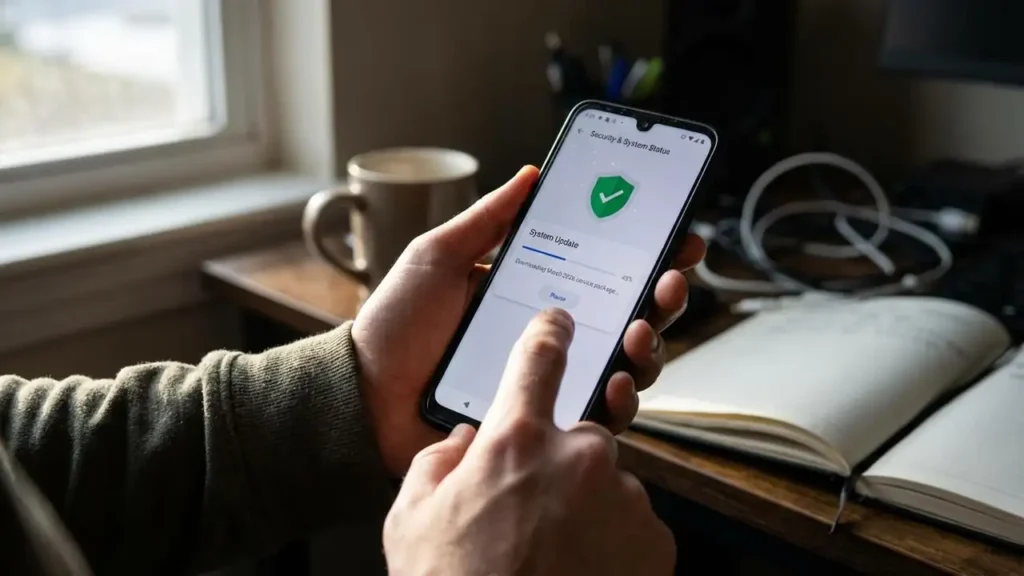
To utilize this new connectivity tool, your hardware must be running the correct software version. Specifically, the Android Wi-Fi Sync feature requires the installation of the Google Play services March 2026 release. Without this specific package, the hardware will continue to operate with isolated wireless settings, requiring manual entry for every new connection point you encounter during your daily routine.
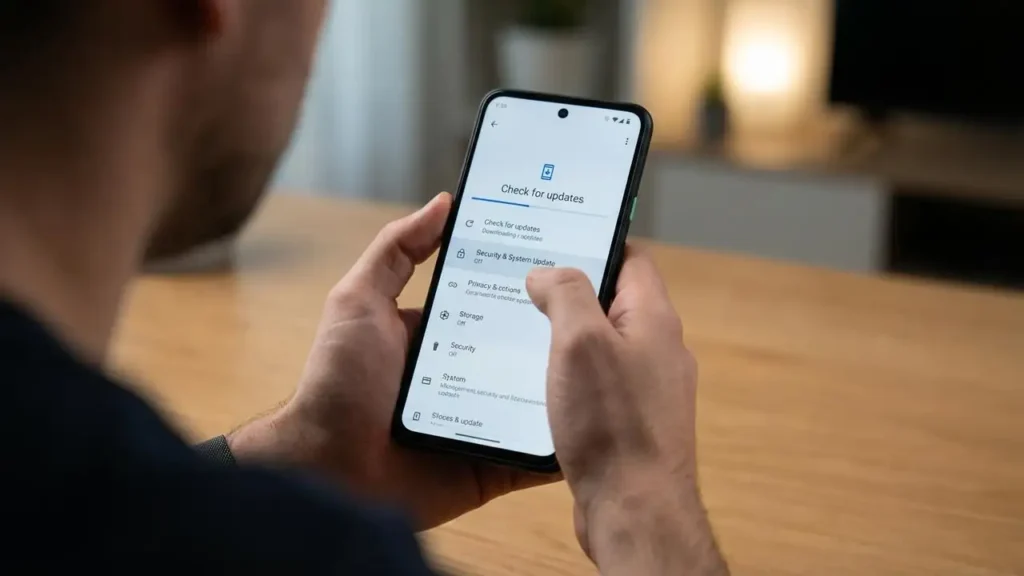
Checking for the latest Google system update is the first step in ensuring compatibility. Users should navigate to their device configuration menus to verify that the system is current. If the hardware is running an older version of the background services, the sync options will not appear, and the automated sharing of Android shared Wi-Fi networks will remain disabled. Keeping the software environment updated is essential for maintaining these ecosystem-level benefits.
- Open the primary configuration menu on your handheld hardware.
- Locate the section dedicated to security and system status.
- Check for available software increments and initiate any pending downloads.
- Restart the hardware once the installation completes to finalize the integration.
- Verify that the system version matches the March 2026 service requirements.
Benefits of Android Wi-Fi Sync Across Devices
One of the most practical advantages of Android Wi-Fi Sync is the elimination of credential redundancy. In the past, if you changed your home router password, you would need to visit every room and update every screen individually. Now, updating the password on a single smartphone allows the Android Wi-Fi Sync service to push that change to every other linked unit in the household automatically.
This tool also enhances the experience when setting up a brand-new device. Instead of spending the first ten minutes of a setup process typing in complex wireless keys, the new hardware pulls the necessary data from the cloud as soon as you sign in. This makes the Android Wi-Fi Sync integration a vital part of the modern setup workflow, significantly reducing the time it takes to get a new tablet or secondary phone functional.
Management of Android Wi-Fi Sync Settings
Within the connectivity menus, users can oversee how Android Wi-Fi Sync handles specific networks. If there are certain access points you prefer not to distribute, the system allows for granular control over what qualifies as a trusted source. By managing the Android Wi-Fi Sync parameters, you maintain authority over which credentials move between your hardware and which ones stay localized to a single device.
This level of control is a key part of the Android ecosystem feature design. It prioritizes user choice while offering the convenience of automation. If you frequently use public hotspots that require individual logins, you can ensure those remain separate while your home and work Android shared Wi-Fi networks stay perfectly synchronized across your entire personal hardware suite.
Troubleshooting and Maintenance
If the synchronization does not occur as expected, verify the status of the Google Play services March 2026 installation on all involved units. A mismatch in software versions is the most frequent reason for a breakdown in the data flow. Ensure that each device has a stable data connection (either cellular or a known wireless point) to allow the sync tokens to transfer between the hardware and the cloud servers.
If a specific network refuses to sync, try removing the network from the primary device and reconnecting. This often refreshes the credential token and triggers the Android Wi-Fi Sync process for the rest of your hardware. Always ensure that the “personal devices” criteria are met, as hardware managed by an organization or using different primary accounts will not participate in the same synchronization pool.
- Confirm that all devices are signed into the same primary account.
- Verify the presence of the March 2026 system services updates.
- Check that the wireless radio is active on all participating hardware.
- Toggle the sync toggle off and on if a delay persists.
- Power cycle the hardware to clear any temporary background service glitches.
Safety is paramount when dealing with hardware and wireless signals. Always power off or unplug any stationary hardware before performing deep system resets. Avoid touching sensitive internal components if your device has a removable back, and always refer to professional service if you are unsure about system-level changes. Modifying system files without proper authorization can void your warranty and lead to software instability.
Frequently Asked Questions
The introduction of this feature greatly simplifies the digital lives of those who use multiple screens. By ensuring that Android Wi-Fi Sync is active and updated, you remove the barrier of manual credential entry. This evolution of the Android ecosystem feature makes your hardware smarter and more aware of your connectivity needs, providing a seamless transition between any environment where you have trusted access.