Fixing Your Google Pixel Latest Update Problems
Address critical Wi-Fi, Bluetooth, and Camera app failures after the January 2026 patch.
Users of Google Pixel devices, particularly owners of the Pixel 10 and Pixel 8 series, are encountering significant google pixel latest update problems following the installation of the January 2026 security patch. This system update introduces critical bugs that prevent Wi-Fi and Bluetooth features from activating, alongside persistent crashes in the Camera application. Standard troubleshooting steps, such as performing a factory reset, frequently fail to correct these deep-seated software malfunctions. This guide outlines verified solutions and temporary workarounds to help restore your device’s functionality.
Identifying Google Pixel Latest Update Problems
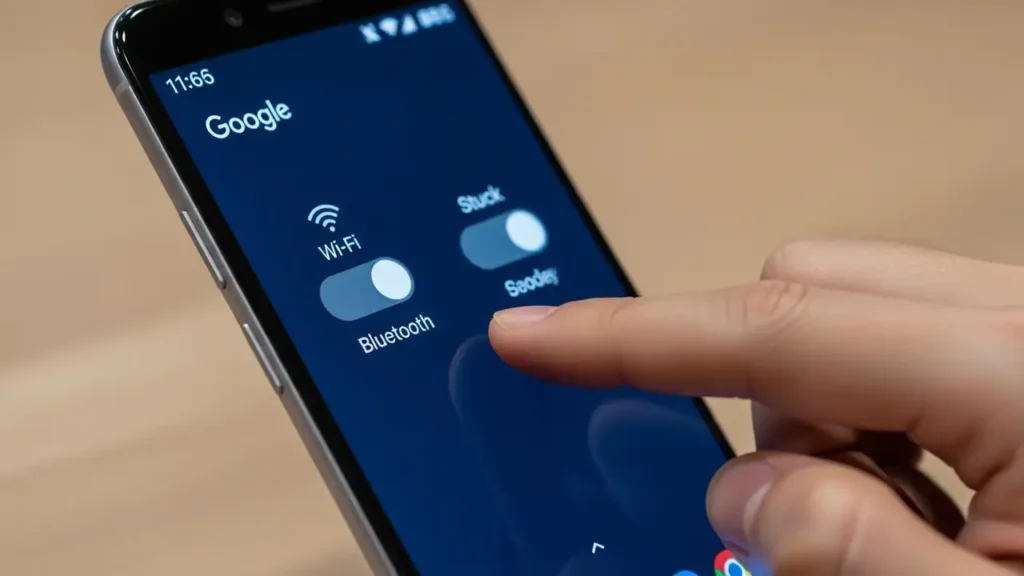
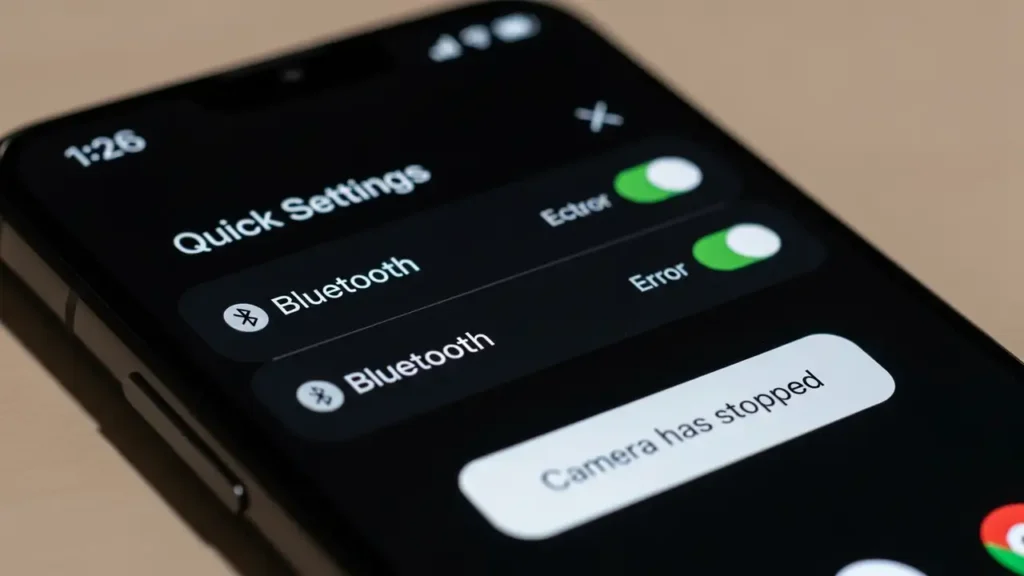
The primary indicators of these issues are clear and disruptive. After updating your device with the January 2026 patch, you will notice that both Wi-Fi and Bluetooth connectivity options simply refuse to become active, rendering wireless communication impossible. Simultaneously, attempts to open or use the Camera app result in immediate and consistent application crashes, preventing you from taking photos or videos. These malfunctions specifically impact devices running the latest version of the operating system after the January 2026 system patch.
If your device exhibits these behaviors, it indicates that it is affected by the current google pixel latest update problems. Traditional methods like a full device wipe do not consistently resolve these specific software errors, suggesting a more fundamental issue with the patched operating system itself. It is crucial to follow the recommended solutions to mitigate the impact of these system-level bugs.
Immediate Workarounds for Connectivity and Camera Issues
While permanent fixes are being deployed, several temporary methods can help you maintain basic device functionality. These steps offer a way to navigate daily use despite the core google pixel latest update problems.
- Utilize Mobile Data for Internet Access: If your Wi-Fi capabilities are non-functional, switch entirely to your device’s cellular data connection. Ensure you monitor your data usage to avoid exceeding your plan’s limits, as this will be your primary method for accessing the internet. This allows you to stay connected for browsing, messaging, and app use.
- Employ Wired Headphones for Audio: Since Bluetooth is inactive, wireless audio accessories will not function. Connect USB-C headphones directly to your device. If your headphones use a 3.5mm jack, you will need a compatible USB-C adapter to enable wired audio output.
- Disable Google Play Services (Use with Caution): Some individuals have reported that temporarily disabling Google Play services can restore connectivity features. However, this action is not officially recommended because it critically impairs the functionality of the Google Play Store and many applications that rely on these services. Your device’s core app ecosystem will become largely unusable. Only consider this as a last resort if essential connectivity is absolutely necessary and you understand the severe limitations it imposes.
Resolving Google Pixel Latest Update Problems
For a more lasting resolution to the google pixel latest update problems, a few primary approaches are available, ranging from software updates to more advanced system reinstallations. These methods aim to either patch the existing flaws or provide a clean slate for your device’s operating system.
Check for the February 2026 Patch
Google has initiated the release of the February 2026 system update. While the official changes list for this patch does not explicitly detail fixes for Wi-Fi, Bluetooth, or Camera app crashes, some users have observed their devices returning to normal operation after installing it.
To check for this update:
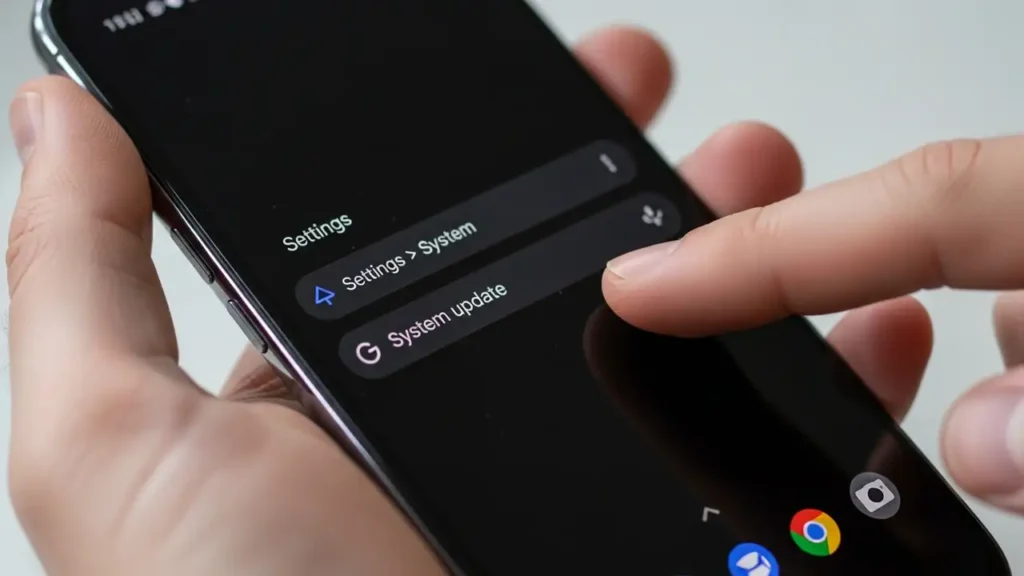
- Navigate to your device’s Settings.
- Go to System > System update.
- Tap “Check for update.”
- If the February 2026 patch is available, download and install it immediately. Monitor your device’s performance afterward to see if the Wi-Fi, Bluetooth, and Camera issues have been resolved. This is the simplest and least intrusive potential solution to the google pixel latest update problems.
Manually Reinstalling the Factory Image (Advanced Users)
The most consistently effective solution for addressing the current software bug is to perform a clean reinstallation of the operating system using a factory image. This process is recommended for advanced users comfortable with technical procedures.
Important Warning: Manually flashing a factory image will completely erase all data from your device. Ensure you have backed up any critical information before proceeding with this method.
To perform a factory image reinstall:
- Access the official Google Android Flash Tool from a computer.
- Follow the instructions provided on the tool’s website to connect your Pixel device.
- Select the latest stable public version of the Android operating system available.
- Initiate the flashing process. This will overwrite your device’s current software with a fresh, clean installation, effectively removing any corrupted files from the January 2026 patch that cause the google pixel latest update problems.
Contacting Official Support and Preventive Measures
If the aforementioned solutions do not rectify the issues, or if you prefer professional assistance, Google’s support channels are available. Additionally, preventive advice can help other users avoid these system glitches.
Google has acknowledged the issues on social media platforms. If your device continues to experience google pixel latest update problems with Wi-Fi, Bluetooth, or the Camera app, contact Google Pixel Support directly. They can provide personalized troubleshooting assistance or, if necessary, facilitate a warranty replacement for severely affected devices.
Preventive Advice: If you have not yet installed the January 2026 system update on your Google Pixel device, it is strongly advised to postpone its installation. Wait for Google to release a confirmed stable patch that explicitly addresses these critical bugs. Delaying the update will prevent your device from experiencing the Wi-Fi, Bluetooth, and Camera app failures. Monitor official announcements for a safe and stable update release.
Frequently Asked Questions About Google Pixel Latest Update Problems
The google pixel latest update problems stemming from the January 2026 patch are significant, affecting core functionalities like Wi-Fi, Bluetooth, and the Camera app. While workarounds exist for immediate needs, checking for the February 2026 patch or performing an advanced factory image reinstall are the most effective current solutions. Always back up your data and contact Google Pixel Support if you need further assistance with these google pixel latest update problems.